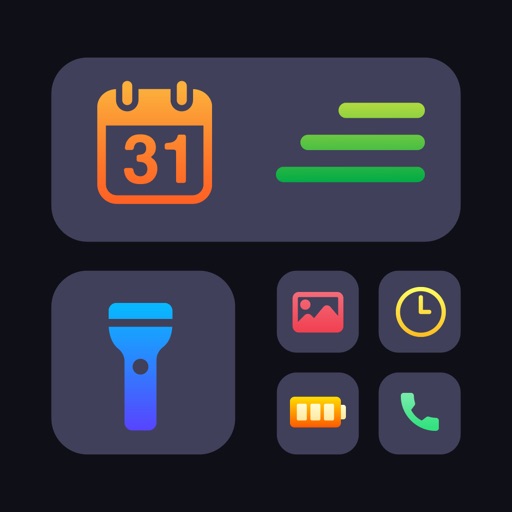
Customize home screen widgets with photos, event countdowns, weather, and music. Add actionable widgets to launch apps, run shortcuts, or send texts. Design layouts to display personal reminders and favorite content.
Calendar allows users to add customizable calendar widgets to their home screen. Users can choose from various themes and styles, adjust background, text color, and fonts.
View monthly and weekly calendars with customizable background colors. Display today’s events and weekly schedule using personal photos as backgrounds. Access illustrated monthly calendars with unique monthly illustrations.
Celebrate anniversaries with custom dates and notifications
Track milestones by showing how long you and your partner have been together. Create unique anniversaries like "the 333rd day" or "the 50th month". Customize with a photo of you and your partner. Enable push notifications for special dates.
Customize widgets with adjustable colors, fonts, and designs. Choose from a variety of backgrounds and layouts. Add interactive elements to enhance functionality. Personalize widgets to match individual preferences.
Customize iPhone and iPad home screens and lock screens with wallpapers, widgets, and icons. Create AI-generated DIY wallpapers and apply theme-based designs. Change icons and layout in one action.
Customize home and lock screens with fully editable widgets. Add elements, select data sources, apply effects, and arrange layouts. Assign widgets to screen slots for personalized information displays.
Customize home and lock screens with , icons, themes, and wallpapers. Design or select from pre-made . Apply icon packs and change wallpapers to personalize device appearance.
Track speed using GPS with options for mph, km/h, and knots. Display city name and compass if enabled. Show traveled distance and optional average and maximum speed. Choose from multiple interface colors. Record speed during trips.
The app announces the current time at specified intervals in multiple languages. Users can customize the background, color scheme, and clock face, with over 20 options available.
Display memos as on the home screen. Create, edit, and organize notes with text input. Set reminders and categorize memos. Share notes via copy or email. Sync across devices.
Create and manage notes on home screen and lock screen. Add multiple notes in various widget sizes. Edit notes quickly with text, color, and formatting options. Pin notes to lock screen for visibility.