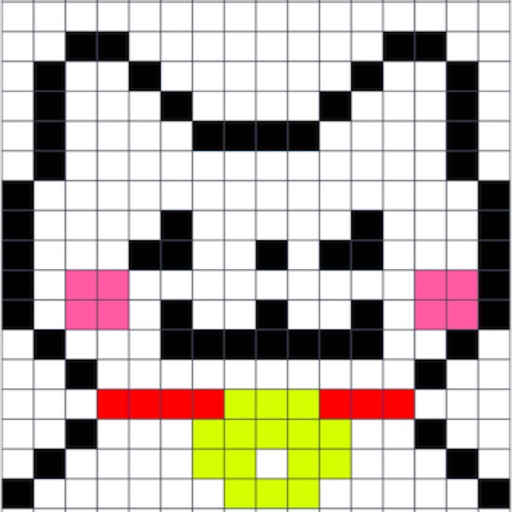
Draw on a or whiteboard with adjustable brush sizes and multiple paint colors. Create shapes like lines, arrows, circles, and polygons. Add text with customizable font sizes. Import photos and record video directly within the .
The app divides images into grids or by pixel dimensions. Users can also manually draw split lines, process multiple images, and customize output naming.
List allows users to draw items directly on images or screenshots. The screen remains active during use to prevent frequent unlocking. Items can be added visually without typing. Users can zoom in for precise drawing.
Create a personalized picture diary with emotional entries. Add custom hashtags using a two-way rule. Draw directly with NOTEGG illustrator and view regularly updated artwork. Share and organize entries freely.
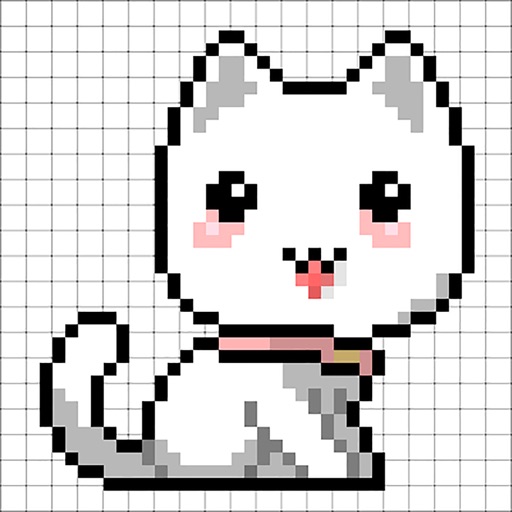
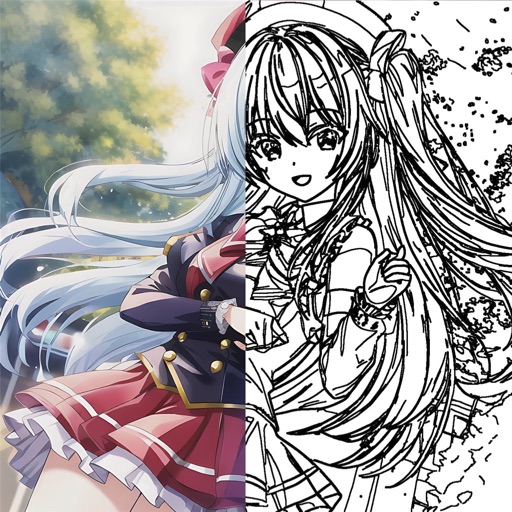
Learn to characters with step-by-step video tutorials on eyes, hair, clothes, and poses. Trace sketches using the device's camera. Progress from beginner to advanced with skill-level tailored lessons.
Use AR to project images onto real-world surfaces and them for drawing. Create original artwork with real-time feedback. Adjust colors, lines, and layers within the . Save and share drawings directly.
Draw sketches and notes with intuitive tools. Use built-in templates for wireframing. Access line and dot grids for precise alignment. Shake to clear the canvas. Share drawings directly with teammates.