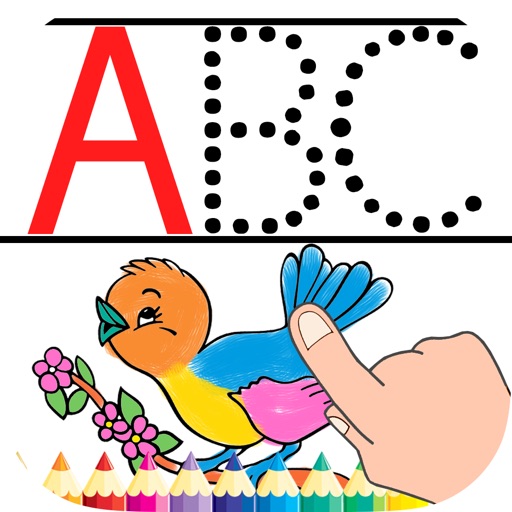
And drawing with printable pictures and blank pages for custom artwork. Features include zoom functionality, video replay, and realistic tools. Users can create and share their own drawings.
The app offers drawing tools including crayons, paint brushes, and colored pencils. Users can create stories by talking about their drawings and moving stickers, then save and share their creations.
The app helps children learn animal names through drawing. Users can draw various animals by starting with simple lines, eliminating the need for coloring books and pencils.
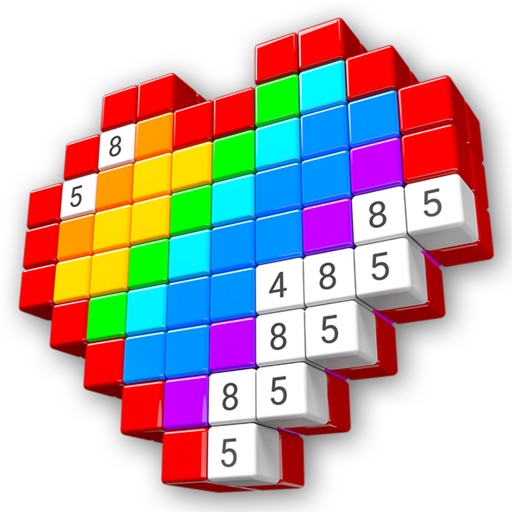
Create art by placing pixels on a canvas. Choose from various images like unicorns, dinosaurs, and food. Draw following numbered guides to fill sections. Receive feedback with a satisfying click sound when diamonds are correctly placed.
Kids Drawing offers simple pages with animals, cars, and other themes. Users can tap and swipe to color. Includes playful games for interactive learning. Allows saving and sharing of completed artwork.
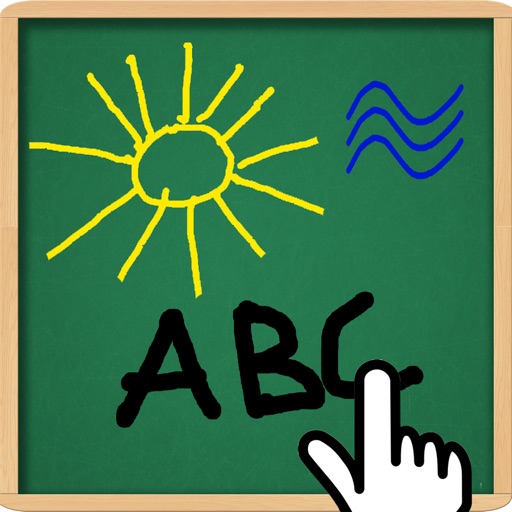
The app allows users to draw and write on their iPad, functioning as a notepad or blackboard. Users can add typed text, choose background colors, and save or share their creations via email or social media.
Create drawings step by step using pre-designed templates on various themes. Select and customize colors, add text, and save or share completed artwork. Access tutorials and instructional guides to drawing techniques.