Play a Pictionary-style game by drawing and guessing words. Draw on the screen with finger or stylus. Share drawings with others. Compete in rounds with point tracking. Supports multiplayer over Apple TV and iPad.
Solve puzzles by drawing lines to complete shapes. Complete levels by connecting parts. Track progress through different difficulty stages. Share completed puzzles with friends.
Book allows children to color pages featuring animals, vehicles, and objects. Includes interactive games to develop fine motor skills and shape recognition. Features sound effects and simple navigation for young users.
Solve puzzles by matching colors and shapes. Clear levels by completing patterns. Earn points and unlock new challenges. Track progress and compete with friends. Share achievements on social media.
Play to and words in real-time with others. Connect via group voice chat. Take turns drawing while others . Compete in rounds with friends or random players.
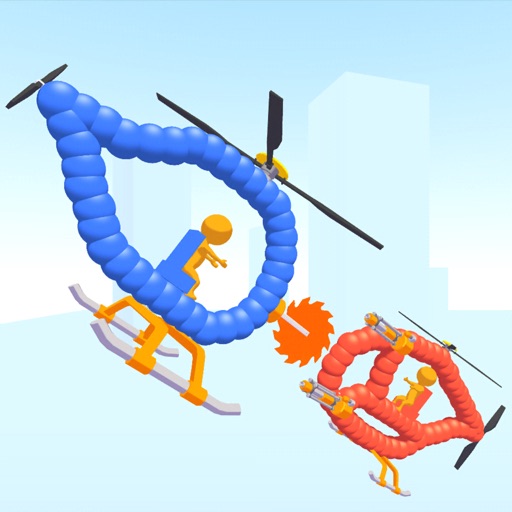
Create custom helicopters with drawing tools, select from guns, machine guns, and lasers. Battle enemies in increasing difficulty levels. Progress through stages to face stronger opponents. Play freely without cost.
And write to help characters feel . Create drawings and write messages to resolve their issues. Receive hints to guide your choices. Complete levels by solving emotional scenarios through creative input.
Games allow users to select color by number puzzles and images by tapping colors. Features include on pages, recoloring existing artwork, and saving progress. Users can access pixel art books and sketch freely without internet connection.
Create drawings by combining different art styles. Divide images into sections and apply unique styles to each part. Mix and match colors and patterns to design custom artwork. Save and share completed creations.
Play as a barista and serve customers. Draw sketches on drinks to earn stars. Unlock tools to improve skills and create custom designs. Track progress and compete for higher scores.
To with structured tutorials and daily practice exercises. Follow step-by-step guides to create illustrations. Access a variety of drawing tools and customize your workspace. Save and review progress to track skill development over time.
Create formations by drawing to counter enemy attacks. Use ink strategically to avoid running out. Upgrade ink and warriors for better damage. Summon monsters or use magic to protect soldiers.
Allows users to create drawings using realistic strokes. Users can choose colors, adjust brush sizes, and apply effects. Artwork can be saved, shared, or exported. The interface supports freehand drawing and coloring activities.