Create and edit PDF files with document merging and splitting. Convert images to PDF and export edited files. Share converted PDFs directly. Adjust and translate text within PDFs.
The app offers professional PDF and TXT file management with features like multi-level zooming and swipe gestures. It supports sharing content as text, links, or photos via various services and includes zoomable keyboard support for iPad users.
Create and edit PDF documents with a prompt. Convert files to PDF or edit existing ones. Use templates for resumes, cover letters, and invoices. Edit text by speaking or using AI tools. Convert images or other files into PDF format.
The app merges multiple PDF files into one and splits a PDF into multiple files. It allows reordering pages and keeping or removing specific pages from a PDF.
The app converts BMP, JPG, JPEG, GIF, PCX, PNG, TIF, and TIFF images to PDF. It offers batch conversion, offline processing, and a drag-and-drop interface for creating PDF documents.
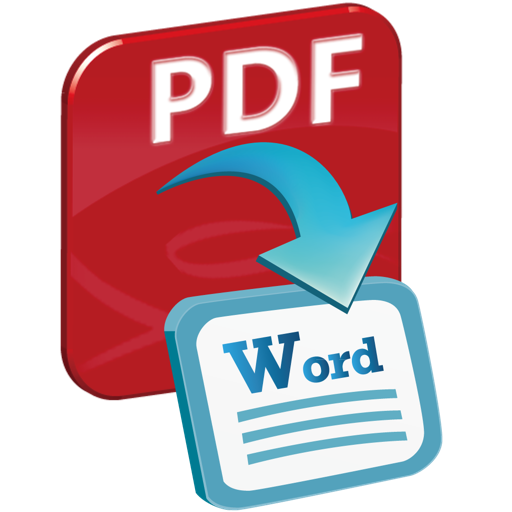
The app converts PDF files into Word documents and text files. Users can preview files, select specific pages, and convert multiple files at once while preserving original layouts and content.
Add custom text watermarks to PDF files. Select a PDF, enter text, and choose from recent projects. Apply the and export the file. Share the PDF with colleagues, clients, or friends.