Provides aircraft-specific for Infinite Flight users. Allows users to complete pre-flight, in-flight, and post-flight procedures. Includes for various aircraft models. Helps ensure all necessary steps are followed during flight simulations.
View decoded and TAF reports for local and global . Save favorite stations for quick access. Customize units in settings. Use map view to analyze flight along planned routes. Share data with other pilots.
Track flights across Casual, Training, and Expert servers. View flight plans with color-coded SIDs, STARs, Approaches, and Tracks. Display flight tracks with altitude-based color coding. Look up user statistics.
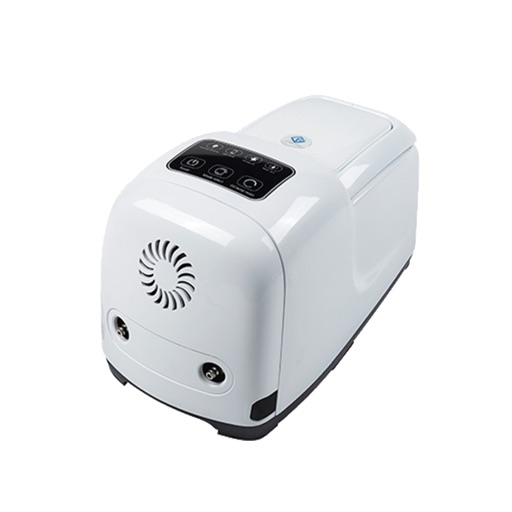
Control high-pressure misting systems with FG-100, FG-150, FG-200, and FG-300 models. Set and manage timers for misting schedules. Connect one device to a single phone or multiple devices to one phone.
Choose a destination and activate airplane mode to experience peaceful solitude. Navigate virtual skies, customize settings, and explore realistic landscapes during the journey.
Track flight logs and currency status. Enter new flights with auto-location features. View flight totals, search entries, and see flight routes. Access data from any device and store information in the cloud.
Remote control four-axis aircraft via iOS device. View real-time video from the aircraft's camera over 2.4G WiFi. Capture photos and videos from the mobile phone. Enable Trajectory Flight mode. Use Voice Control mode for commands.
Control aircraft using click & go flight and joystick functions on an iPad. Preset flight courses and manage missions through the control software. Supports Bluetooth 4.0 iPad devices for wireless operation.
Simulate FPV drone flights with realistic controls and environments. Practice freestyle tricks and techniques. Adjust camera angles and view live data. Connect to compatible goggles for immersive experience. Share recordings and replay sessions.
Explore aircraft systems with interactive for the 737 NG. Manipulate components to observe system responses. Simulate emergencies and apply checklists to resolve issues.
Control the via Wi-Fi with FPV support for real-time video and clear photo display. Enable GPS positioning and smartphone following flight. Record and view videos and photos from the drone.
Control the PHANTOM 2 drone via mobile device. Adjust camera settings, manage flight paths, and monitor battery life. View real-time video feed and trigger automated shots. Access flight data and system diagnostics.