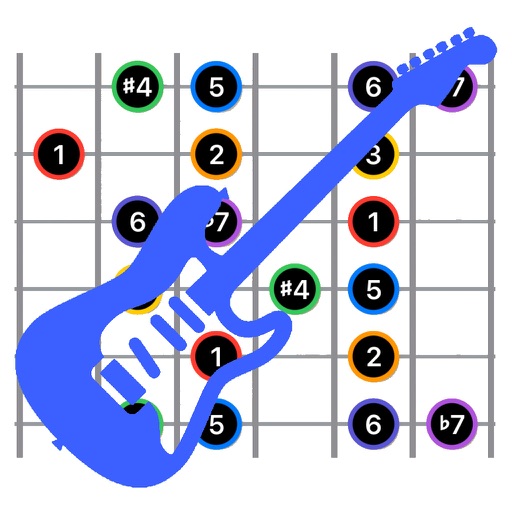
Explore chords, scales, and arpeggios with interactive libraries. Select root notes and adjust lowest or highest notes for custom chord shapes. View and practice scale patterns with detailed diagrams.
Turn your iPhone or iPod Touch into a musical instrument. Select chords and strum strings with fingers to create arpeggiated sounds. Edit and share songs, use MIDI support, and transpose notes with in- purchase.
Practice ear training with interval identification, chord recognition, scale identification, and chord progression analysis. Listen to audio examples and select the correct musical elements. Receive instant feedback on answers.
Learn and relative through interactive exercises. Identify double-stop notes using just intonation. Practice chord recognition and matching. Track progress with in- feedback and repetition. Sync with music libraries for real-time comparison.
Learn by viewing real-time fingering on a virtual fretboard while listening to songs. Slow down tracks, create custom loops, and improvise. Access free interactive lessons for all skill levels and genres. Purchase additional instructional content.
The app offers chromatic, tone, and string tuning modes. It supports various instruments and provides standard and custom tuning settings for musicians.