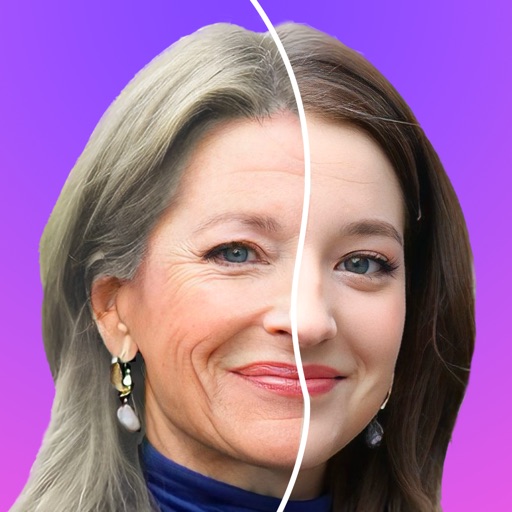
Apply like Chrome, Fade, and Mono to images. Share edited images via Snapchat or save to photo library. Access all and remove ads with a premium subscription.
by Abdullah Albalawi★ 4.021 ratingsPhoto & VideoFreeData updated 2026-09-06
Enhance blurry, pixelated, or damaged images using AI. Adjust clarity, color, and brightness. Apply filters and effects. Restore old photos and damaged images. Export enhanced photos in various formats.
Edit photos with filters, masking, and color adjustments. Adjust brightness, contrast, and hue. Draw on images with customizable colors. Crop, rotate, and apply blur or focus effects. Export photos to the library.
Turn old photos into digital scans using your iPhone’s camera. Edit images, apply filters, and add notes to each . Save scans to your phone’s gallery and share them with others.
Using AI to create depth in photos. Upload images from the camera roll. Select or mode. Apply customizable effects including default, radius, motion, zoom, box, surface, and bokeh. Adjust settings for precise results. Export edited photos directly.
Remove red eyes from photos automatically using computer vision. Detect and eliminate red color from eyes in seconds. No manual editing required. Share edited photos directly.
Add vibrant color to specific image areas using the Color Splash Effect. Adjust intensity and placement. Export edited in various formats. Share directly from the .
The app provides private cloud service for users to register an account and protect secret media. It allows uploading and downloading across devices, with backup for photos and videos inside a fully encrypted vault.
Convert photos and videos to art with 30+ styles and 10+ effects. Record art videos directly or apply the style to existing clips. Save results as videos, live photos, or gifs. Adjust settings to customize the pixelation effect.
Edit photos with AI-powered retouch tools to airbrush skin, smooth wrinkles, and even skin tone. Whiten teeth with a swipe and highlight or soften features. Apply exclusive makeup looks with customizable options.
Create and share custom GIFs by combining selfies or photos with animated GIFs from a vast library. Edit and apply filters to enhance visuals. Save and share GIFs directly from the .
Use back for low-light visibility up to 5 meters on Pro series iPhones and iPads. Adjust focus and brightness manually. Enable mode for dark environments. Subscribe for $3.99/month or $19.99/year.
Apply retro filters and frames to photos. Adjust settings for customization. Save and share edited images directly. Access advanced features with a Pro subscription.
Record content including games and apps with audio support. Add reactions and audio during recording. Adjust resolution, FPS, and orientation. Trim videos and share directly. Edit external videos and modify facecam size.
Apply filters and effects to photos and videos for a retro film look. Adjust color, contrast, and grain. Access premium filters with a subscription. Share edited content directly.
Apply Lightroom presets to enhance photos with filters, adjustments, and effects. Choose from urban, vintage, winter, travel, and portrait presets. Export edited images directly from Lightroom.
Create video stories from clips, photos, and music. Add filters, effects, transitions, and stickers. Edit audio, trim clips, and adjust timing. Export to YouTube, TikTok, Facebook, or Instagram. Share directly from the .
Edit videos by adding from a catalog or personal library, adjusting volume, and trimming tracks. Include voice recordings with trimming and volume control. Add custom text with size, duration, and positioning options.