Create custom invitations and greetings by selecting templates and adding photos, text, and stickers. Edit designs with drag-and-drop tools. Save and share invitations via email or social media.
Create collages using pre-designed templates and personal photos. Sort images by color to filter matching photos. View and photo library simultaneously for easy arrangement. Add web images directly from the . Export and share finished collages.
Create photos customizable frames and add a of a special person. Share edited images via social media or messaging. Make videos using pre-designed templates and add a to a virtual .
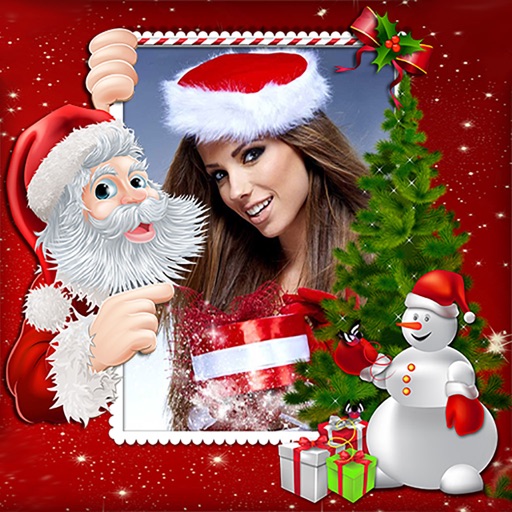
Create holiday e-cards by selecting from 40+ photo frame templates. Choose a photo from the gallery or camera. Apply effects to personalize cards. Save and share finished designs.
AI-powered photo curation selects and crops images from your album. Users can customize timelines to explore photos. Intelligent cropping allows sharing as live wallpaper, collage, composite, or individual images.
Create collages by selecting multiple images and arranging them in different grid layouts. Add frames from a collection of 100+ designs to enhance images. Build personal stories by organizing photos and sharing them directly.
Allows users to shoot photos and videos with 30+ simulated cameras, each replicating the color and texture of classic cameras. Users can apply unique styles to existing media or shoot directly.
Merges into a single image by automatically aligning them. Users can adjust margins manually for custom collages. Screen content can be recorded and saved as a continuous image. Supports webpages, articles, and instructional content.
Create photo collages by combining 2 to 9 images into one. Adjust size, position, and layout. Choose from various templates and styles. Add stickers, frames, effects, and patterns. Share finished collages directly.
Create collages by arranging photos in various layouts and adjusting their position, angle, and size. Apply unique filters and choose from rich typography styles and text stickers.
Edit Instagram stories with film-style templates featuring dust, scratches, and light leaks. Create super 8 film overlays for vintage looks. Add paper textures for atmospheric effects. Apply categorized templates to single photos or collages.