Customize home screens with widgets, icons, wallpapers, and themes. Add DIY design tools for personalization. Use Pomodoro timer with customizable modes for focus and productivity. Share creations and access community themes.
Allows users to add stylish widgets to their home screen or mode. Full-screen mode offers immersive designs like Nixie tubes, displays, and flip clocks. Users can customize time zones and adjust appearance.
Display clock widgets on home screen with transparent backgrounds. Choose from round, scallop, or clover shapes. Automatically adjust theme colors based on wallpaper. Customize properties such as size and position.
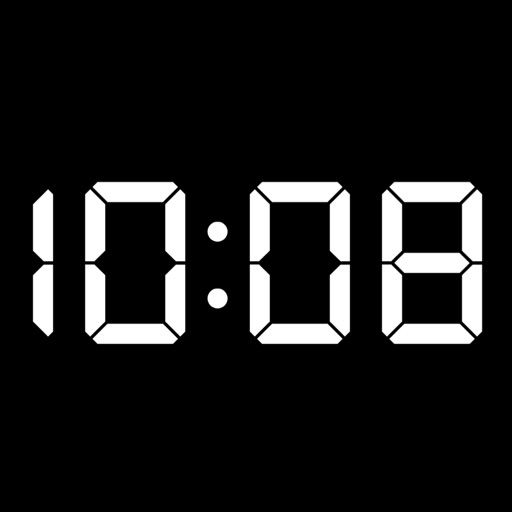
Turn your Apple device into a showing seconds, date, and battery percentage. Customize the clock face with colors and display options. Supports portrait and landscape orientations for flexible use.
Display time with customizable featuring color, font, and background options. Show personal photos or select from free images. No need to refresh for accurate time. Syncs with photo library for background images.
Offers unique home screen with exclusive design styles. Features include morse code clocks, dot matrix displays, word clocks, and dayloader progress clocks. Users can preview calendars and weather directly on the home screen.
The app announces the current time at specified intervals in multiple languages. Users can customize the background, color scheme, and clock face, with over 20 options available.
Check timezones and location facts for cities worldwide. Add multiple to home screen. Customize background and appearance. View current time and date for selected locations.
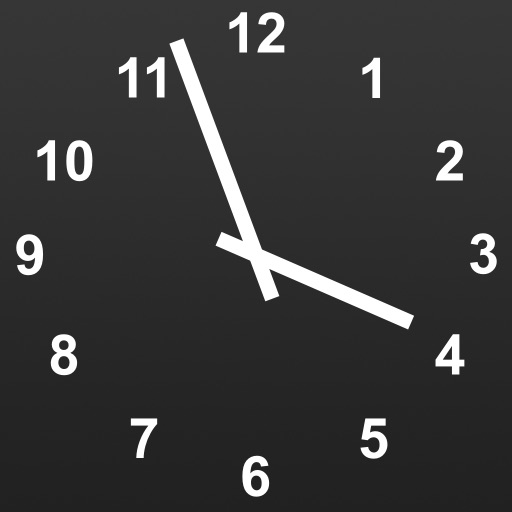
Record time with customizable clock styles including flip, digital, and classical designs. Choose from smooth rotation, second hand sound, and elegant dials. Track time for daily use, study sessions, or focus exercises.