The app helps users organize, prioritize, and generate thoughts. It syncs mobile creations with an online account, offering features like icons, colors, themes, notes, links, tasks, and attachments.
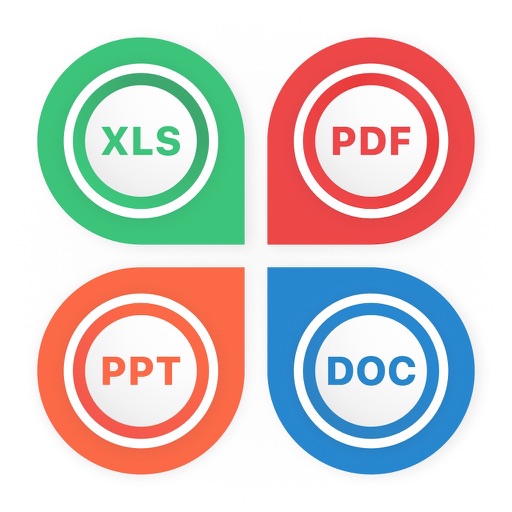
Convert PDF files to Word, PowerPoint, iWork Pages, and other formats. Edit or extract text and images from PDFs. Save converted files in various formats and share them directly.
Edit documents in Word, Excel, and PowerPoint formats. Save files under 100 MB. Share files directly. Open and edit PDFs. Sync with cloud services. Collaborate in real time. Export in multiple formats.
Create presentations by entering a single idea or prompt. AI generates slides with content and design. Edit and customize slides manually. Export in various formats and share directly.
The app allows users to create and share professional video slide presentations on an iPad. Users import slides as PDFs, record their voice in sync with the slides, and can use a virtual laser pointer.
Use your iPhone to control on a Mac. Change slides in Keynote or PowerPoint. Draw remotely with color and tool options. Clear the screen by swiping left. Access flashlight by swiping right. Repeat last drawing action. Enable typing.
Create presentations by describing topics, generating slides with visuals and structured content. Edit documents with AI-powered suggestions. Organize tasks with intelligent scheduling. Convert text to speech and vice versa.
Control presentations from a mobile device. Navigate slides, adjust timing, and manage transitions during rehearsals. Display slides wirelessly via VGA adapter or AirPlay mirroring. View audience feedback and annotations in real time.