Create and share musical ideas with built-in synthesizers and a drum machine. Build drum loops using pattern pads, sketch bass lines, chord progressions, and melodies. Use 4 audio channels for drum machine, bass, chords, and lead. Input is automated.
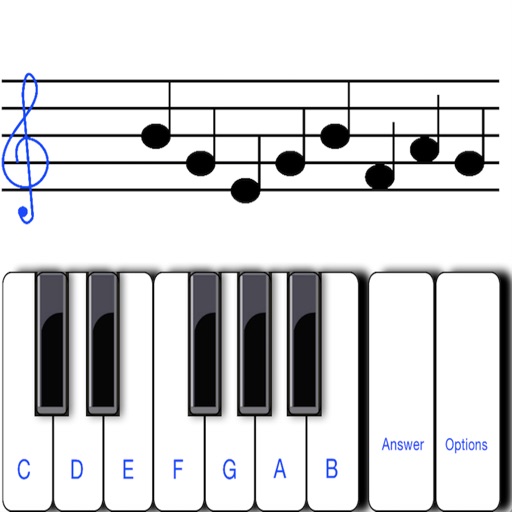
To sight notes in G and F clefs. Practice notes across six octaves, including those above and below the staff. Randomly generated notes apply to any instrument. Switch clefs for varied practice. Beginners can limit octaves and set their pace.
Create and edit songs by dragging and dropping chords. Transpose songs to any key. Generate print-ready PDFs. Analyze and display fingerings for chords, scales, and arpeggios.
The app provides a novel arrangement of notes for playing music. Sliding a finger produces chords, with higher importance notes and chords surrounding them.
The app allows users to play chords by tapping buttons and strumming. Chord buttons can be reconfigured for over 150 chords per key, and users can experiment with picking melodies.
A for children allows users to play musical notes and create chords by pressing three consecutive notes. Sliding fingers across keys produces harmonious sounds. It includes note sequences for nursery rhymes and lullabies in English.
Create and edit progressions with inversions, sus2, sus4, 7th, and 9th chords. Play chords as piano or synth or send MIDI to macOS. Use phone as MIDI keyboard for macOS. Practice reading musical notation.
Learn and practice guitar, bass, and piano with step-by-step interactive lessons. Access AI-powered guidance for personalized feedback. Explore music theory, scales, and chord progressions.
Learn , , and modes in any position using a fully functional simulator. Practice with interactive games, view references, or challenge yourself. Record and save riffs, use backing tracks, and adjust metronome settings.
Use AI to separate vocals, drums, guitar, bass, piano, strings, and other instruments from any song. Adjust playback speed and key. Organize and share work-in-progress music. Transcribe lyrics and edit audio tracks.
Generate chords from a single MIDI note using scale and tonality options. Automate progressions with customizable patterns. Export MIDI files and integrate with DAWs for music production. Adjust voicings and inversion settings.
Play the oud instrument with realistic acoustic sound. Access scales and notes for practice. Record and share music on social media. Use a piano interface with oud sounds. Manage audio files and engage with interactive features.
The app offers a comprehensive package for guitarists, including chord and scale references, arpeggios, alternate tunings, and a virtual guitar. It features a tuner, reverse chord/scale finder, and quizzes to enhance fretboard knowledge and playing.