Create symmetric kaleidoscope patterns, mosaics, and fractals. Customize colors, shapes, and brushes. Use free-form zooming and add stickers. Adjust settings for unique designs. Save and share artwork.
Draw and paint using glowing colors. Use photos as backgrounds or create from scratch. Save artwork to camera roll. Share via email, message, Facebook, or Twitter. Access multiple undo levels. Learn color theory through interactive features.
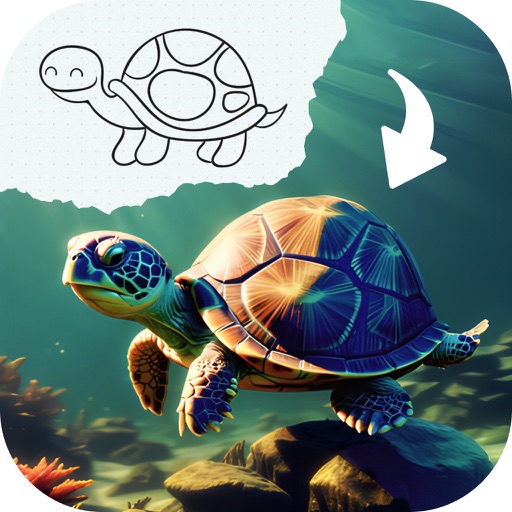
Generate AI art by typing any idea and watching it come to life. Create portraits, landscapes, and characters. Convert photos into artistic styles. Edit and download generated artwork in various formats.
Create digital art with 105 tools including pens, pencils, and brushes. Import and edit photos. Add text and rotate elements. Customize brush settings. Use customizable canvases. Save and share artwork.
On with precise tools. Add text, shapes, and stickers. Insert layers and blend images. Create collages with frames and stamps. Design custom stickers and share directly via iMessage or the .
Create logos for businesses or companies using customizable templates. Select from 10K+ designs. Edit with 6,000+ fonts, symbols, and backgrounds. Adjust colors, text, and layout. Export and share finished logos.
Add quick doodles, sketches, or notes to your home screen. Create comics, practice hand-lettering, or draw over images. Add text to widgets. Purchase a background image to customize the look.
Use your phone camera to draw on any surface. Access templates for animals, cars, and nature. Utilize the built-in flashlight for better visibility. Share completed drawings with friends. Create art using augmented reality technology.
Create digital illustrations with painting, coloring, and drawing tools. Use multiple layers, customize brushes, and mix colors for precise control. Apply textures and save or share artwork directly.
Draw on a white canvas with a single black brush. Each stroke fades as more is added. No erasing needed. Create continuous, ephemeral art without concern for skill level.