Generate AI art by typing any idea and watching it come to life. Create portraits, landscapes, and characters. Convert photos into artistic styles. Edit and download generated artwork in various formats.
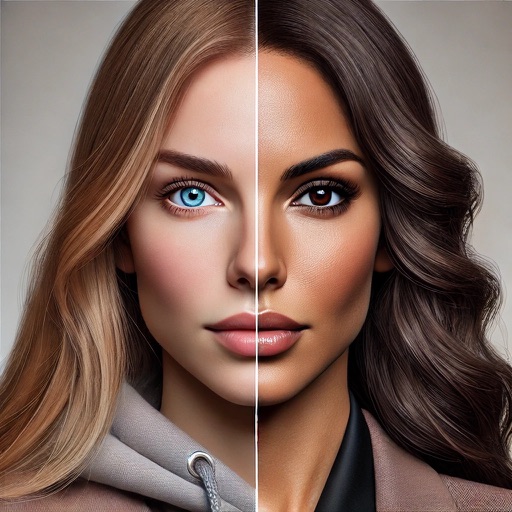
Edit photos to closed eyes using AI technology. Change eye colors with a variety of options. Swap eyes between individuals in portraits. Adjust and enhance eye details for artistic or corrective purposes. Export edited images in standard formats.
Rtwork using AI algorithms. Select styles and color schemes. Adjust parameters for creative control. Export images in various formats. Share creations directly.
Create art using text-to-image, image-to-image, and inpainting tools. Generate AI-powered selfies and modify existing images. Utilize advanced models like DALL·E, Stable Diffusion, and Flux for enhanced results.
HC MAKER - PHOTO LOGO BACKGROUND EDITOR APPS FOR FREE
Create images with AI
Create images using AI-generated visuals based on text prompts. Adjust styles, colors, and details. Save and share edited images directly. Export in various formats for different uses.
Create animations by drawing frames and applying motion effects. Use pre-designed templates to start projects. Export animations in video format and share via social media or email.
Use AR camera to trace and sketch projected lines onto paper. Draw over real-world objects with digital ink. Save and share artwork directly. Adjust line thickness and color. Export drawings in multiple formats.
Provides access to over 2000 , fonts, textures, palettes, and 3D models for . Includes weekly updates. Allows one-click installation for on iPad and Pocket on iPhone. Offers tools for professional and beginner artists.
AI-powered editing transforms photos into cartoon art, watercolor paintings, or other creative styles. Users can apply filters, adjust colors, and add effects. Export edited images in various formats and share directly.