Apps Like Passport Visa & ID Photo Maker for iPhone and iPad
Edit photos, remove backgrounds, crop, and export
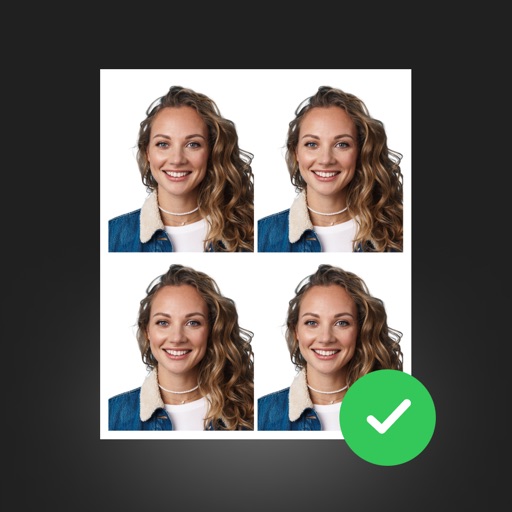
Create , , and ID photos quickly. Snap a selfie, auto-adjust to 2×2 sizes, remove backgrounds, and apply studio-white backdrops. Crop, rotate, brighten, or retouch images. Export as high-res JPEG or PDF.
by Blue Sodium Corp★ 5.01 ratingsGraphics & DesignFreeData updated 2026-09-06
Create professional ID photos with AI tools. Automatically detect faces and remove backgrounds. Resize and crop portraits to fit official sizes. Support multiple countries' requirements. Generate printable -sized images for children and adults.
Create , ID, and visa photos for 150+ countries. Automatically remove backgrounds and ensure biometric compliance. Save photos for printing or digital use. Generate high-quality images directly from your device.
Create passport photos compliant with 2x2 inch requirements. Automatically resize images and remove backgrounds. Edit photos for biometric submissions in 100+ countries. Save and share edited photos for immigration applications.
Chengdu Everimaging Science and Technology Co., Ltd
Edit photos with AI voice commands
Edit photos using AI-powered tools that apply multiple adjustments based on voice or text commands. Crop, rotate, and enhance images with one-tap edits. Add text, stickers, and filters. Export in various formats and share directly.
Create passport, ID, and visa photos with auto face detection and AI background removal. Resize images to exact dimensions for official use. Use preconfigured templates for visa, green card, student ID, and driver’s license photos.
Adjust image and crop in inches or centimeters. multiple photos on a single sheet. Preview exact dimensions before sending. Ensure high resolution by checking PPI settings and avoiding stretching below 200-300 PPI.
Submit and travel entry information to U.S. Customs and Border Protection. Redirect to the CBP MPC for data submission. Streamline customs process at U.S. airports and cruise ports. Complete forms and upload documents securely.
Edit photos with Retouch AI for face and skin enhancements. Apply selective adjustments to objects and masks. Use overlays and global settings for lighting, color, and effects. Export and share edited images directly.
Edit photos with filters, cropping, and brightness adjustments. Add text, stickers, and frames. Create collages and enhance images for social sharing. Trim and cut videos. Export in multiple formats and share directly.
Edit photos, enhance images, generate AI portraits,
Edit photos with AI to erase, swap, and change backgrounds. Enhance images using AI-generated effects and filters. Create realistic AI portraits and designs with templates, fonts, and backgrounds. Export and share edited photos in multiple formats.
Remove photo backgrounds using AI-powered object detection. Automatically isolate subjects for transparent image export. Edit and save images for use in product photos, thumbnails, stickers, and memes.
Remove backgrounds from images using AI technology. Edit and generate new backgrounds. Create transparent images for social media, e-commerce, and design projects. Tap to remove backgrounds automatically.