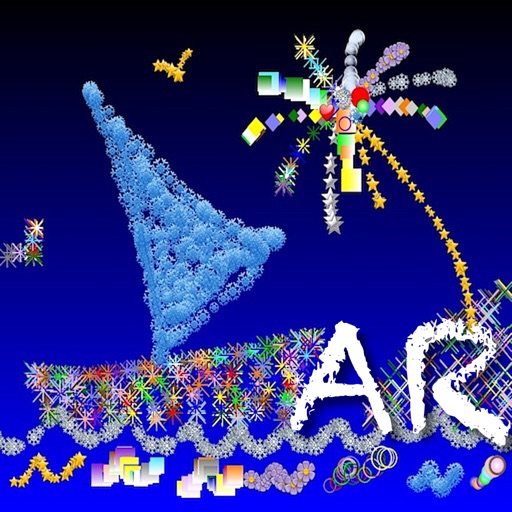
Create drawings using bright colors and various brushes, glows, hearts, dots, and stars. Paint and record your sessions to review your artwork. Access pro features via optional subscriptions.
Can and color with tools like pencils, brushes, and crayons. They can create paintings of animals, fruits, and vehicles. Includes pages for princesses and toddlers. Features a drawing book and creative doodling options.
Create and customize digital art with layers, brushes, and color blending tools. Import images or sketch freely. Save and export artwork in various formats. Share creations directly from the .
Kids can color, draw, and decorate with various brushes, crayons, and pencils. They can use stickers and graphics of animals, vehicles, insects, fruits, and food from multiple galleries.
Create and color illustrations with a full spectrum of hues. Participate in online coloring contests to share artwork. Access three coloring activities including classic coloring, themed coloring, and interactive coloring with animations.
Simulate realistic fire effects with augmented reality camera mode. Interact with flames using multitouch, accelerometers, and gyroscopic sensors. Adjust settings, choose backgrounds, and view a burning clock. Wind effects respond to device movement.
Create and share mixed reality videos by painting the real 3D with visual effects. with brush, star, heart, or snowflake. Record videos with drawings in real-time. Share videos directly with friends. Add color and effects to surroundings.
Create abstract art by drawing shapes that auto-connect and fill with random procedural patterns. Use Auto Draw to generate unique compositions in real time. Watch animations transform your artwork into kaleidoscopic designs.