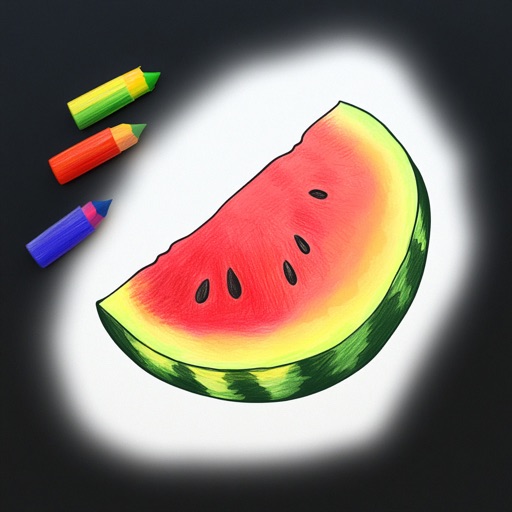
Create digital art with 105 tools including pens, pencils, and brushes. Import and edit photos. Add text and rotate elements. Customize brush settings. Use customizable canvases. Save and share artwork.
Create vector art using Bézier tools and Apple Pencil. Convert sketches or photos to SVG format. logos, icons, illustrations, and UI assets. Export vector files for production use. Refine curves and edit vector drawings directly.
Games allow users to select color by number puzzles and images by tapping colors. Features include on pages, recoloring existing artwork, and saving progress. Users can access pixel art books and sketch freely without internet connection.
Create art with customizable brushes and access to 700 additional premium brushes. Design comic panels using 1000 screentones and 60 fonts. Apply filters and use fun background brushes. Save and share artwork directly.
Use AR to and real-world objects. Trace or create images using augmented reality. Add layers and adjust opacity. Export drawings in various formats and share directly.
Use iPhone as a connected via USB to mirror Mac screen. Draw with Wacom stylus and 3D Touch. Control canvas with touch gestures for zoom, scroll, undo, and redo. Connect securely for real-time screen mirroring.
Create animations using a drawing interface with tools for sketching and refining artwork. Import images or draw frames manually. Export animations as GIFs or videos. Share creations directly from the .
Generate drawing instantly for creative . Customize challenges by adding specific elements. Lock in for focused practice sessions. Receive daily inspiration to maintain consistent artistic practice.
The app provides a simple drawing experience with pencils and adjustable brushes. Users can save their artwork to their photo library with a single tap.
On photos or backgrounds with customizable stencils for shapes and patterns. Use over 1400 stamps to decorate artwork. Apply smudge tool for textured effects without touching the screen. Save and share completed drawings directly.
Allows users to import photos and access over 20 ultra-realistic brushes. Create detailed and paintings with adjustable brush pressure and flow. Export artwork in multiple formats and share directly.
Create digital artwork with realistic painting and drawing tools. Use exclusive brushes mimicking real-world art mediums. Simulate fluid watercolor effects. Adjust brush settings for precision. Export artwork in various formats.
Draw with pencil, brush, eraser, marker, and pen. Customize brushes with texture and fill colors using a bucket tool. Add text and shapes to drawings. Change backgrounds with color, texture, or images. Use grid for guidance and mirror for faster .