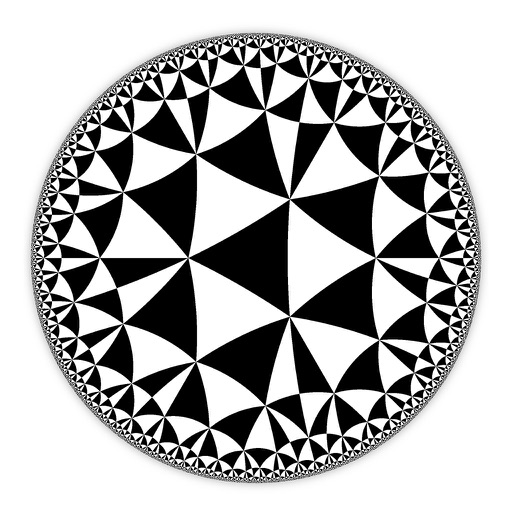
Create and customize hyperbolic patterns using Poincare Disk geometry. Adjust motifs to repeat infinitely within the circular space. Explore non-Euclidean designs with scalable, recursive visuals. Export patterns in various image formats.
by DAVID CROOKS SOFTWARE DEVELOPMENT LIMITED★ 4.67 ratingsGraphics & DesignFreeData updated 2026-09-06
Enter and edit equations in mathematical notation. Visualize 2D and 3D graphs of explicit, implicit, and inequality equations. Adjust settings for display and analysis. Save and share calculations.
Learn basic math and geometry through interactive . Identify and draw 2D shapes. Compare sizes to recognize differences. Complete quizzes to reinforce and size recognition. Track progress in a structured environment.
Emulates HP 15C RPN functionality with precise mathematical calculations. Users can solve equations, perform numerical integration, handle complex numbers, and execute matrix operations. It supports root finding and hyperbolic functions.
Create and edit 3D models using 25 built-in primitive shapes. Import and export models in various formats. Adjust geometry with precision tools. View models in 3D and 2D perspectives. Add textures and materials for realistic rendering.
Create collages by arranging photos in a . Choose from multiple templates and effects. Adjust layout, add text, and apply filters. Export collages in high definition and share directly.
™ allows users to perform fraction calculations and convert between decimals and fractions. It supports degree, minute, and second conversions. Users can handle unit conversions and calculations with dimensional units.
Track visually with a customizable interface. Set and adjust intervals. Receive notifications when is up. Customize colors and labels for different activities. Sync across devices for consistent management.
Practice skills in geometry, addition, subtraction, multiplication, and division. Customize difficulty levels and align with Common Core standards. Track progress with detailed reports and adjust settings for individual learning needs.
The app offers 21 educational games covering 4th Grade subjects like math, science, and language arts. It reinforces skills in fractions, geometry, spelling, and reading comprehension for children aged 8-11.
Create and simulate custom galaxies with realistic physics. Place and customize planets, stars, and other celestial bodies. Adjust orbital paths and gravitational forces. Explore 3D space and test planetary interactions.
The provides scientific calculations, unit conversion, and logic-based computations. Users can switch between modes. It includes a built-in manual for operation guidance. Perform n-base conversions and unit-based calculations.
Create and simulate a custom with realistic physics. Adjust planet sizes, positions, and orbits. Explore 3D space environments and test gravitational interactions. Save and share custom solar systems.