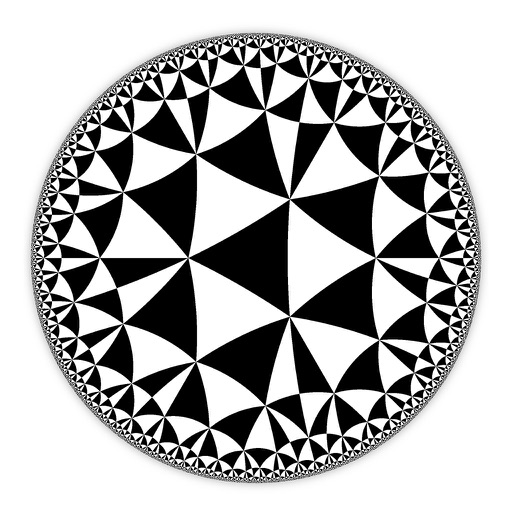
Create and customize hyperbolic patterns using Poincare Disk geometry. Adjust motifs to repeat infinitely within the circular space. Explore non-Euclidean designs with scalable, recursive visuals. Export patterns in various image formats.
by DAVID CROOKS SOFTWARE DEVELOPMENT LIMITED★ 4.67 ratingsGraphics & DesignFreeData updated 2026-09-06
Convert text prompts into AI-generated artwork. Create and customize visual scenes with detailed descriptions. Export and share finished designs in various formats. Adjust colors, composition, and style settings for refined results.
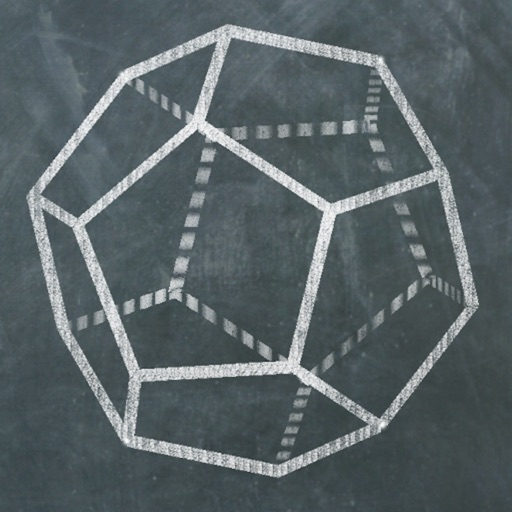
Explore 3D polyhedra models and create cross-sections by selecting three points on faces. Rotate, zoom, and adjust views. Learn about properties and types of solids. Build and analyze cross-sections for educational understanding.
Compress images to reduce file size without quality loss. Supports multiple formats including PNG, JPEG, WebP, GIF, HEIC, HEIF, and PDF. Compress directly on the device without uploading. Works offline and provides compressed files instantly.
Take photos or upload images to identify eggs using AI analysis of color, patterns, shape, and size. View top species matches with confidence scores, habitat details, and unique characteristics.
The app presents a visual analogue to a sound synthesizer using on-screen particles. Users manipulate particle properties to create varied patterns and textures, exploring visual harmony through differential motion.
Create decorative designs using washi patterns. Select from various collections and fill blocks with patterns. Save and share finished designs. Adjust colors and layouts for custom projects.
Learn Japanese basics, hiragana, katakana, and arithmetic through interactive games. Practice writing and have it checked automatically. Play puzzles, drawing, mazes, and piano games. Access 7+ free stages with optional full edition purchase.
Edit spaces by describing changes, such as remodeling layouts or adjusting decor. Use tools like prompt, style, furnish, paint, and erase to refine designs. Visualize furniture and decor styles through AI-generated images.
The app offers over 230 questions and 23 revision notes for GRE Math Geometry. It provides instant feedback, detailed explanations, and progress tracking with charts to show readiness for the test.
Create -style cutouts by folding, drawing lines, and cutting. Design original art or trace user examples. Undo and restart anytime. Explore endless creative combinations through folding and cutting techniques.
Solve problems with AI-powered step-by-step solutions. Input problems via photo or text. Receive detailed explanations and instant answers. Track progress and revisit solved problems for review.
Learn 8th with interactive problem-solving and step-by-step explanations. Use AI to solve algebra, fractions, and word problems. Play for practice. Receive personalized lessons based on progress. Get real-time help with homework.
The app provides an interactive tool for learning coordinate geometry concepts. It helps users understand ordered pairs, reflection, rotation, and translation on a plane.
Teaches basic through interactive exercises. Repeats incorrect answers to reinforce learning. Requires mastery of each problem before progressing. Includes progress tracking and feedback mechanisms.
Solve , geometry, and trigonometry problems with step-by-step AI explanations. Play interactive quizzes and challenges. Receive personalized lessons based on skill level. Covers all major topics with structured lessons and practice exercises.