Control devices and compatible TVs with Siri voice commands. Open apps, mute, or power off devices using voice. Integrate with Shortcuts for automation. Manage device settings and access content directly.
Control smart TVs with phone-based functions. Adjust volume, change channels, and navigate menus. Support multiple TV brands including Samsung, LG, Sony, and Roku. Enable screen mirroring and casting. Lock and unlock TV features remotely.
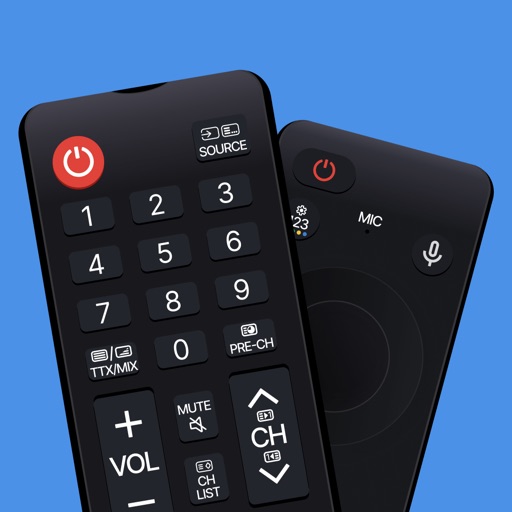
Smart TV functions with a virtual remote, adjust volume, change channels, and manage playback. Mirror device screen to the TV for content casting. Use a virtual keyboard for text input and a touchpad for navigation.
Control smart TVs from an iPhone without a physical . Adjust volume, change channels, and navigate menus. Support includes Roku, Samsung, LG, Vizio, and other major brands. Pair with Wi-Fi-enabled TVs for direct commands.
Control playback and navigate TV menus using your smartphone or tablet. Search for content and launch streaming services directly. Adjust volume and settings remotely. Sync with device for seamless interaction.
TV with swipe-based touch gestures from an iPhone. Connect devices to the same WiFi network. Adjust volume, navigate menus, and launch apps remotely. Support for basic TV functions and controls.
For allows users to control and manage their device. It automatically detects devices on the network. Users can navigate channels, launch apps, and type using a virtual keyboard. The provides a clean interface and includes all features of the .
TV functions with a dedicated . Adjust volume, change channels, and navigate menus. Access apps and settings easily. Use keyboard for input. Operate without screen glare or button hunting.
TV functions such as channel switching, volume adjustment, and power settings. Access streaming services and manage playback. Customize button layouts and save preset configurations for different devices.
Control your Mac or PC with an iPhone, , or iPod. Use simulated touchpad and keyboard functions. Access panels for media playback, file transfers, and presentation controls.
Control TV functions like power, volume, and channel selection with tap gestures. Navigate apps and adjust settings through an intuitive interface. Connect to your TV with simple setup steps.
Control TV power with a single tap. Adjust volume and navigate menus using on-screen buttons. Access channel lists and input sources. Customize button layouts for different devices. Pair with Apple Watch for hands-free operation.
Control cast-enabled streaming devices with full functionality. Launch apps, adjust volume, navigate menus, and enter text. Automatically detect and connect to devices. Use a large touchpad for precise input.
Control or Now TV devices from the iOS Today screen using a . Launch channels, navigate menus, and adjust settings without needing the physical . Stream content directly from the interface.
Stream media from your Camera Roll to TV. Connect devices to the same Wi-Fi network and pair them for setup. Use the control to manage playback. Access apps and channels on-screen. Input text with the keyboard for searches.