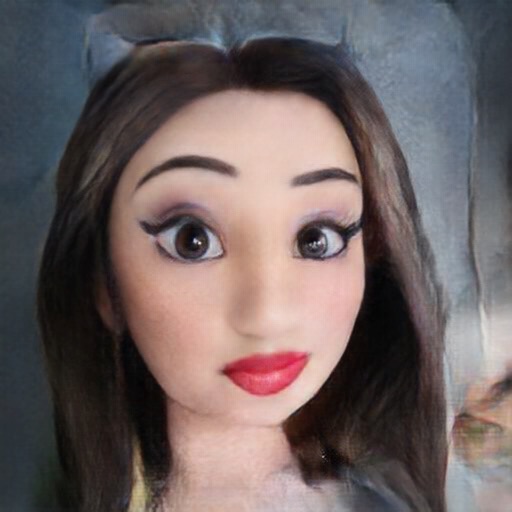
Capture photos and videos in format. Apply emoji face mask filters and generate genmoji, sticker, and memoji filters. Use AR glasses filters and duck mode. Adjust brightness in real-time. Edit photos by selecting colorspace, CMYK, and RGB channels.
by Benjamin Larrison★ 3.04 ratingsPhoto & VideoFreeData updated 2026-09-06
Convert videos to Photos with one tap. Trim clips, adjust aspect ratio, and choose custom covers. Save in HEIC format for iOS 17+. Create dynamic wallpapers from travel scenes, pet moments, or daily memories.
Apply AI-generated art filters to photos using style transfer technology. Adjust brightness, exposure, and temperature for fine-tuning. Save and share edited images directly.
Turn photos into cartoon characters with various artistic styles including marker pen, 3D Polaroids, Animal Crossing, chibi illustrations, and animated movie effects. Apply filters, adjust colors, and export edited images.
Capture photos and videos in complete darkness using scanner, TrueDepth , and standard . Switch between sensors for optimal . Adjust exposure and contrast for enhanced clarity. Share captured content directly.
Create artistic images with single-tap camera effects and professionally designed filters. Adjust brightness, contrast, and tone curve. Blur and focus images. Rotate, crop, and resize photos. Add text and fun stickers.
Add crystal filters to photos and videos for a prismatic effect. Apply dreamy, mysterious looks with artistic color presets. Fine-tune media with customizable adjustments. Convert photos into animated effects. Share edited content directly.
Take selfies with real-time face beautification filters and stickers. Apply and adjust skin tone. Edit photos with tools and export in various formats. Share directly to social media.
RAY INFORMATICS YAZILIM TEKNOLOJI MEDYA DANISMANLIK VE EGITIM TICARET LIMITED SIRKETI
, , and edit photos
Convert printed photos to digital format by scanning and colorizing them. Apply various templates and filters to enhance images. Save and share the edited photos directly.
Take black and white photos with live preview. Use colored lens filters and professional conversion settings. Adjust contrast, brightness, and exposure in real time. Add film grain and black vignetting. Export images to social media and email.
Edit photos with AI-powered filters, anime-style effects, and text-based editing tools. Perform face swaps, generate high-quality headshots, and apply luxury-themed transformations. Save and share edited images directly.
Capture 360° HDRi images using multi-exposure panoramas. Adjust dynamic range settings. Stitch and export 32-bit EXR format files. Generate realistic 3D lighting and lightmaps for animation and compositing.
Capture photos and videos with real-time sparkling lens flares. Choose from star, snow, flower, and tree shapes. Add or remove glitter objects manually in photos and videos. Adjust sparkles in the photo album.
Create movies by combining videos, photos, music, text, recordings, and finger drawings. Add transitions, effects, and captions. Export and share finished projects directly.