Generate tones, adjust frequencies, play multiple sounds
Generate tones between 20 Hz and 15000 Hz with 0.1 Hz precision. Adjust frequencies and volumes in real time. Play up to 12 tones simultaneously with independent volume control. Supports sine, square, and triangle waveforms.
Edit with 16 tracks, 20+ effects, and lossless output. Use AI to separate vocals and instruments locally. Record with minimalistic interface. Zoom and adjust waveform for precise editing. Export and share edited files directly.
Create and manipulate sound with three independent synthesizers. Adjust pitch from 8–20,000 Hz. Slide or snap notes to scales with customizable glide rates. Set and edit individual notes for precise musical control.
Create immersive audio environments with hybrid reverb and artificial space design. Adjust geometry, dimensions, and tonal structure of virtual spaces.
Create and manipulate drum sounds using a graphic editor. Use 76 samples and synthesis drum kits. Mix and match sounds across drum kits and tracks. Load drum kits from factory or other songs to generate new compositions.
Control instruments with multi-touch gestures. Adjust parameters in real-time. Route audio and MIDI signals. Access transport controls and mixer functions. Perform live using touch-based input. Sync with Pro or GarageBand on Mac.
Create rhythms and grooves using modulated and sections. Adjust parameters and modulation settings. Use built-in step sequencer and low frequency oscillator for rhythmic sequences. Sync modulation with host tempo.
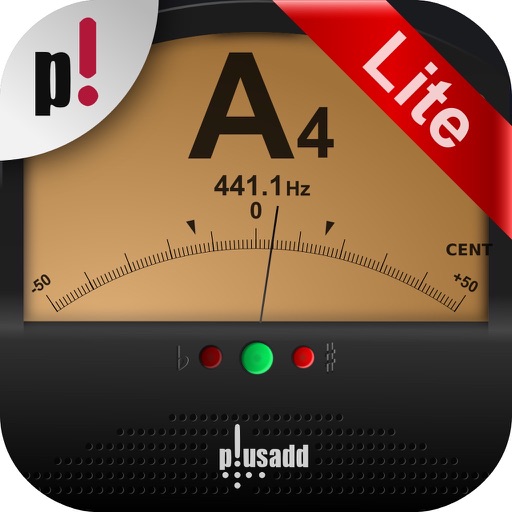
The app offers chromatic instrument tuning and pitch pipe functionality. It tunes acoustic or electric guitar, bass, bowed strings, woodwinds, brass, piano, tympani, and other instruments using the device's microphone.
Create and manipulate virtual analog sounds with advanced synthesis features. Adjust filters, envelopes, and modulation settings. Load and edit presets. Export audio files and share directly.
The app emulates vintage 80's hardware drum machines with a realistic interface. Users can play included rhythm presets or create their own patterns, with control over drum kit parameters and song mode.
Create loops by repeating played notes until they fade out. Adjust loop length and pitch. Layer multiple loops to build complex textures. Tap to start or stop playback. Save and share custom loops.
Create and arrange melodies, bass lines, and drum beats by moving dots on the screen. Switch chords and patterns instantly. Apply delay and reverb effects to instruments. Tap or drag to build sequences. Sync with AirPlay for playback.
Create and edit complex rhythmic patterns with independent sequence lengths for each drum voice. Generate polyrhythms and polymeters. Export sequences for use in AUv3 hosts or external drum machines.