In and out up to 15x while taking photos using a slider. Auto-stabilize images and videos. Adjust photo quality automatically. Use timer settings for 3, 10, or 20 seconds. Enable tap-to-shoot or swipe-to- options. Video available via in- purchase.
Record videos with adjustable resolution, frame rate, and bitrate. Select from multiple aspect ratios. Pause and resume recording. Use time-lapse mode. Export videos in various formats.
Edit and annotate PDFs and Microsoft Office files with tools for highlighting, commenting, and markup. Save and share documents securely. Collaborate in real-time with team members. Access files offline and sync changes automatically.
Record video using front and rear cameras at the same time. View content in picture-in-picture mode. Animate scenes in real-time. Capture moving circles around the subject. Share videos directly from the .
Use AI to capture long exposure photos. Remove crowds, create light trails, and enhance waterfalls. Adjust exposure settings automatically. Preview and edit images with advanced tools. Share final photos directly.
Securely connect to any computer worldwide using RDP or VNC protocols. Access remote desktops with Fluid Remote protocol for high performance. Set up quickly and reliably. Control remote machines with mouse and keyboard input.
Turn photos into drawings, cartoons, or sketches with one click. Apply various effects including black strokes, white strokes, pastel, and halftone. Adjust edge strength, opacity, contrast, brightness, and saturation.
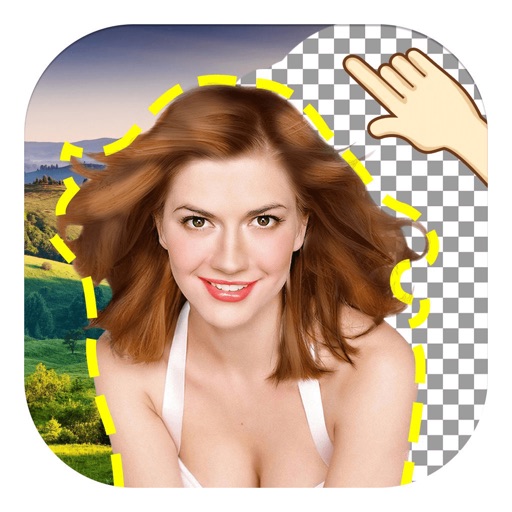
The app allows users to remove and edit backgrounds of pictures. It offers smart and manual cutout tools, with options to move, zoom, rotate, and crop images.
Access assignments from the web on mobile. Take photos and record notes via voice-to-text or typing. Organize media in a timeline for easy reference. Include geolocation and direction data in photos.
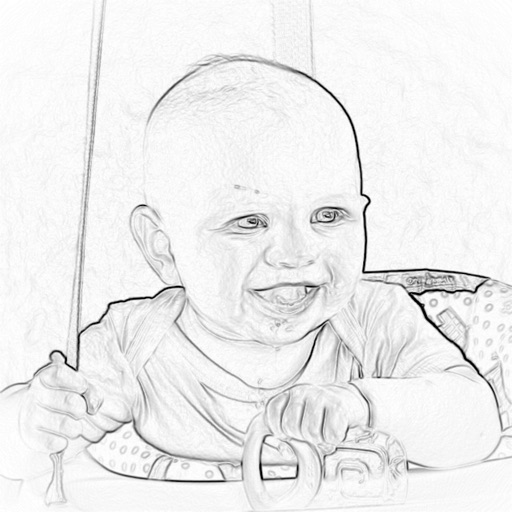
The app converts photos into pencil sketches. Users can take a new picture or select an existing photo to transform into a sketch and share with friends.