Create collages by dragging and dropping cutouts from the photo library. Use smart cutout for quick image selection or long-press to manually cut photos. Edit collages with unlimited drag and drop functionality.
by 晶 李★ 4.69 ratingsGraphics & DesignFreeData updated 2026-09-06
The app allows users to create collages by dragging photos, applying effects, rotating images, adding shadows, and including text. Users can customize layouts, orientations, and backgrounds for their picture mosaics.
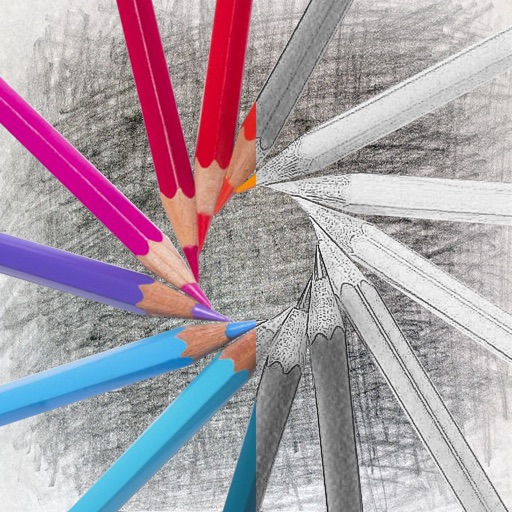
Convert photos into sketches with tone drawing engine. Adjust pen color, size, and background. Generate strokes with transparent backgrounds. Save sketches in original size and colorize with original colors.