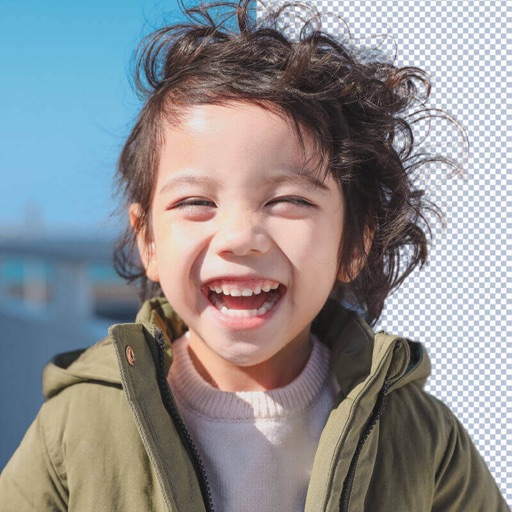
Create collages by dragging and dropping cutouts from the photo library. Use smart cutout for quick image selection or long-press to manually cut photos. Edit collages with unlimited drag and drop functionality.
by 晶 李★ 4.69 ratingsGraphics & DesignFreeData updated 2026-09-06
Edit photos with presets and organize them by categories and folders. Adjust colors using PRO color grading tools. Add textures, effects, and blur options. Design social media posts with templates. Export edited images in various formats.
Create animated GIFs from Live Photos, burst shots, videos, or still images. Adjust slide speed and generate emoji-style animations. Export GIFs in various formats and share directly to social platforms.
Edit photos with and subject focus tools. Adjust intensity manually or automatically. Remove unwanted objects from the . Apply filters and make color adjustments. Save and share edited images directly.