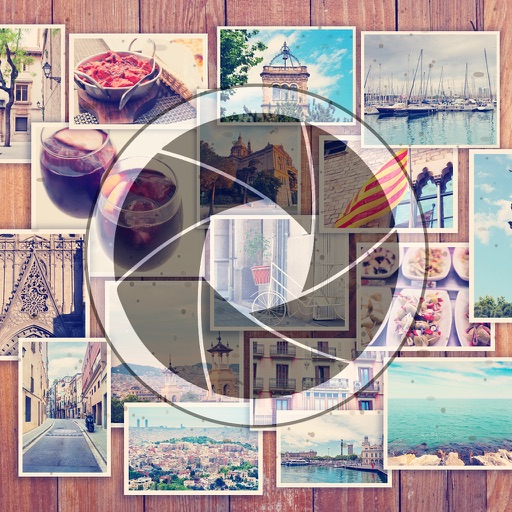
Create collages by selecting multiple photos and arranging them in various layouts. Apply mosaic effects to individual photos for artistic results. Edit images with basic tools and save or share the final output.
Create artistic images with single-tap camera effects and professionally designed filters. Adjust brightness, contrast, and tone curve. Blur and focus images. Rotate, crop, and resize photos. Add text and fun stickers.
The app allows users to place their photos on various mockups like billboards and magazine covers. Users can select a template, add a photo, and adjust its size, zoom, and rotation.
The app allows users to create collages on square backgrounds and add text. Users can choose backgrounds, add pictures, and modify text properties like font, size, color, transparency, and rotation.
Create carousels and photo collages using AI tools and templates. Arrange images with drag-and-drop editing. Auto-align photos for seamless layouts. Apply aesthetic presets and customize designs. Export and share finished collages directly.
Edit photos with filters, cropping, and brightness adjustments. Create collages using customizable templates. Add stickers, text, and drawings. Design storybooks with pages and layouts. Share edited content directly to social media.
Edit photos with one-touch filters for vivid, delicious results. Adjust brightness, contrast, and saturation. Add text overlays and stickers. Share edited images directly to social media or blogs.
Create collages with single or multiple photos, up to 14 images. Add , backgrounds, and drawings. Share collages on Facebook, Instagram, Twitter, WhatsApp, and other platforms. Edit photos with basic tools and apply templates.