Study with using spaced-repetition and Apple Pencil. Create and annotate notes directly in apps. Export for mobile review. Track progress and manage study sessions. Sync notes across devices.
Solve puzzles with high-resolution images of global locations. Drag and drop pieces to complete puzzles. Rotate pieces to fit. Track progress and revisit completed puzzles. Share achievements on social media.
Create custom flashcard lists with text and images. Set reminders for review. Translate cards using 20+ languages. Shuffle cards to avoid memorization. Use spaced repetition for retention. Access pronunciation guides.
And organize flashcards with custom text and images. Categorize decks by subjects or themes. Review flashcards with spaced repetition to improve retention. Add audio notes to flashcards. Export flashcards in multiple formats. Share decks with others.
Convert notes, PDFs, photos, or lecture slides into interactive and quizzes. Highlight text, generate cards from content, and study using spaced-repetition algorithms. Create and take mock quizzes based on imported material.
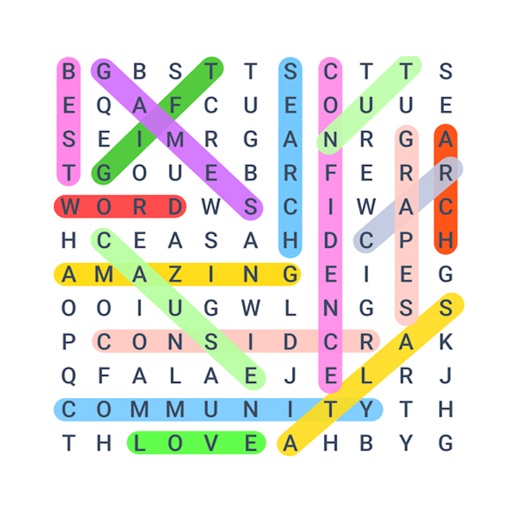
The app offers a word search experience with multiple game modes, including Blitz, Marathon, Free Draw, and Story. Players can improve vocabulary and spelling skills by finding hidden words on a board.
Convert text from any file or image into natural audio with one-tap sharing. Ask questions about documents and receive cited answers. Use lifelike voices for hands-free learning and multitasking.
Create and study using an enhanced spaced repetition algorithm. Review cards based on performance and difficulty. Collaborate on with others in real time. Access the across multiple devices through a web version.
Create from PDFs, text, or prompts in seconds. Edit card content, add notes, and organize decks. Export as PDF or share via links. Track progress with built-in study sessions and review modes.
The app offers over 35 educational activities and thousands of flashcard decks. It allows users to create lessons, track progress, and sync content across devices.