The app plays monophonic melodies and converts them into music notation. Users can edit scores, change playback sounds, and share results via email, Twitter, or Facebook.
Play piano melodies by tapping on-screen keys. Access a library of preloaded songs. Follow along with visual feedback. Adjust volume and playback speed. Save progress and replay sessions. Share performances via social media.
Play notes with finger placement and breath control. Adjust reed settings for different tones. Practice scales and songs. Record performances and share files. Access tutorials for beginners and advanced techniques.
Create using AI-generated tracks based on user input. Adjust structure, tempo, and style. Export songs in multiple formats and share directly. Collaborate with others to refine compositions.
Notes using a real and microphone. Play notes and receive instant feedback. Progress through level-based lessons. Track performance with accuracy and speed metrics. Sync lessons with a structured curriculum for consistent practice.
Learn languages through adaptive lessons with culturally relevant examples, IPA transcriptions, and parts of speech. Create flashcards using a built-in translator and AI image generator.
Adjust files by changing tempo and pitch in real time. Select files, mark playback regions, loop, and adjust and pitch on the fly. Export modified files. Suitable for practicing instruments, transcriptions, and audiobook adjustments.
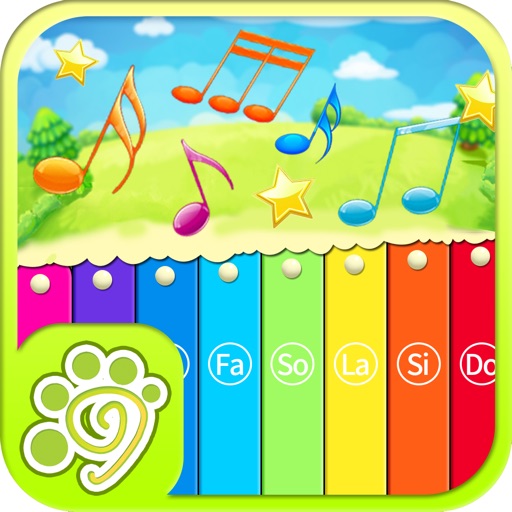
Children can play virtual instruments like , xylophone, trumpet, flute, violin, guitar, drums, saxophone, and accordion. They can create melodies, tap rhythms, and customize instrument sounds.
Practice on by matching finger positions to notes in the key of C. View music notation in sheet music format. Track progress and receive feedback on accuracy. No ads or in- purchases.