Organize story elements with character, language, and location . Build fictional worlds with detailed location and item creation. Link elements to create a unified board for easy navigation and description.
Catalog books, board games, movies, music, and video games by scanning barcodes or manually entering details. Add tags, reviews, ratings, and notes. Sync with website to import, organize, and publish your collection. No ads or data sharing.
Manage personal learning resources including course reservations, attendance, and purchases. Access pre- materials, live lessons, post- reviews, homework, quizzes, and video replays.
Create custom phoneme decks to practice sounds and decoding words. Substitute and manipulate phonemes to build simple and multisyllabic words. Track progress through interactive exercises and activities.
Allows users to create and manage recurring academic schedules. Input assignments and classes once, and the automatically updates the for upcoming weeks. View daily and overviews, set reminders, and track progress across multiple weeks.
Learn numbers, letters, colors, and shapes through interactive games with animal characters. Complete challenges to earn stickers and fill the sticker board. Includes sound effects and voice narration for engagement.
Play a turn-based strategy on a 6x6 grid. Challenge AI opponents with increasing difficulty. Plan moves using shortest path visualizations. Compete against Center players. Track progress and adjust strategies across levels.
Plan course registration and view timetables using course data linked to Google Maps for navigation. Share or view friends' timetables to check availability. Post and access information on the community board.
Create by selecting images from your photo library and applying preset layouts. Add titles to images and save or print the board. Includes layout options for standard paper sizes.
Update your status with estimated return times and add notes. View the in/out board to see everyone's status. Sign in and out from any device without installation.
Access resources, search for jobs, join or create school apps, and connect with communities through approved forums. Customize the interface and find local schools.
Stay connected with peers through discussion boards and private channels. Access courses and resources. Chat with peers and receive push notifications for updates.
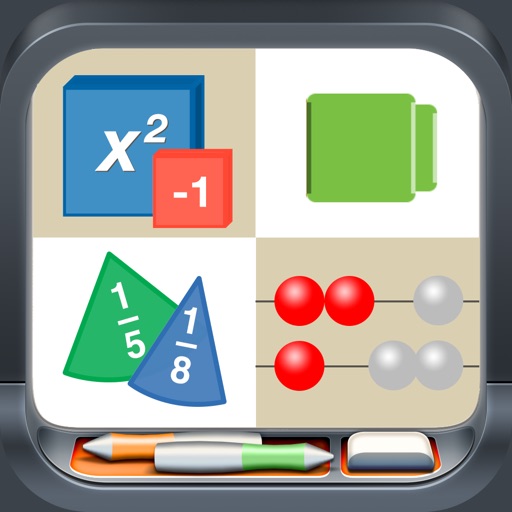
Use like Algebra Tiles, Base Ten Blocks, and Fraction Circles to teach math concepts. Explore tools such as Geoboard, Number Line, and XY Coordinate Board for interactive learning. View and manipulate shapes with Pattern Blocks and Color Tiles.