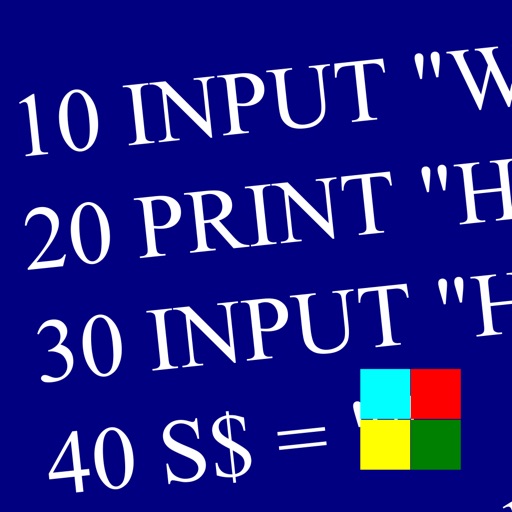
Learn and program language on iOS devices. Enter and run code, use built-in functions, and access help documentation. Save and load programs. Simulate Commodore 64 environment for educational use.
Reference "View detailed information on screw standards including metric and imperial values. Access form diagrams, angles, pitch, and diameters. Select standards like BA or BSW. Double tap to open picker."
Learn iOS development through interactive with tap, double tap, long press, drag and drop, and shortcut actions. Practice coding features directly in . Solve problems through hands-on exercises and receive real-time feedback.
Convert files between formats including 3D models (3DS, FBX, STL), markup (PDF, DOCX, Markdown), CAD drawings (DWG, DXF), and videos (3G2, 3GP). Edit and export files directly within the .