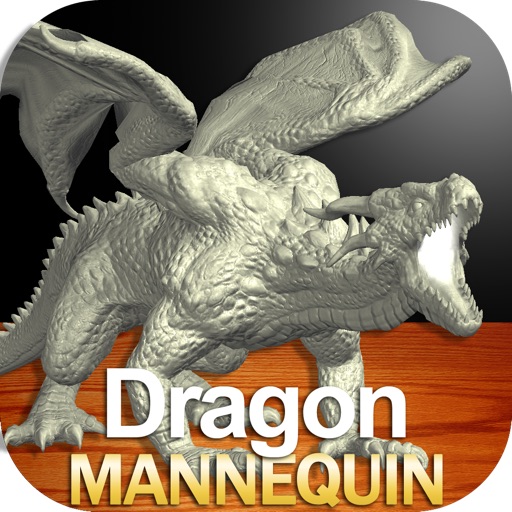
Draw a with poseable limbs and adjustable joints for custom poses. Use reference tools and skins to enhance detail and realism. Adjust camera angles and select backgrounds and platforms for accurate drawing.
Play against an AI with adjustable difficulty levels. Analyze moves and solve built-in puzzles. Adjust the AI's playing style to mimic human mistakes. Track game progress and review move evaluations.
Learn vowels, consonants, and numbers through interactive writing exercises. Practice pronunciation with audio guides. Save progress offline and review letters with visual aids. and speak without internet access.
The app provides a digital tuner with LED indicators for pitch deviation and a graph displaying sound frequency. It offers automatic or manual note selection and a wide detection range from A0 to C8.
Allows users to calculate equations and formulas. Input variables to solve for unknowns in mechanics of materials. Access force-displacement relations and moment calculations. Retrieve reference materials for formulas.
The app calculates arithmetic mean, geometric mean, and harmonic mean. It also computes standard deviation and confidence intervals for saved data sets, with results available for emailing.
Vocabulary through classification, visual aids, and standard speech. Practice listening, speaking, reading, and writing. Adjust playback speed and use voiceprint comparison for pronunciation feedback. Receive AI-based voice scoring for accuracy.
Visualize reactions in 3D with quantum simulations
View 3D models of chemical reactions based on quantum-mechanical simulations. Rotate, zoom, and dissect molecular structures. Annotate diagrams and save notes for later review. Share visualizations with classmates or instructors.
Puzzle game lets users create chains from 1 to the highest by dragging horizontally, vertically, or diagonally. Players can overwrite or erase existing chains. Tracks progress and offers varying difficulty levels for mental exercise.
Take notes on unlimited pages with templates like blank, lined, and grid. Import images and PDFs easily. Cut and move content with scissors tool. Use ruler and protractor for shapes. Access scraps via sidebar drawer.
Create and review flashcards with swipe gestures to flip . Draw notes freely with finger or Apple Pencil. Hold to flip card over. Shake for random card. Swipe down to cancel or up to delete.
To uppercase and lowercase and using the D'Nealian® handwriting style. and hear their sounds. Shake to erase and retry. Includes 26 uppercase, 26 lowercase , and digits 0-9.