Unlock , add-ons, maps, and textures for . Preview before downloading. Install add-ons with one tap. Access a wide range of themed content. Automatically update with new releases.
Browse and install furniture for PE. Add skins and to customize characters and environments. Receive updates for new and improved content. Sync with PE to access added items and features.
Explore , , and add-ons for Minecraft PE. Install custom content with one click. Choose from various maps, gear, and visual enhancements. Receive regular updates with new features and content.
Allows users to host a Bedrock Edition server and display it as a LAN server on Xbox or PlayStation devices. Enter server IP and port, run the service, then connect via the LAN tab in Minecraft. Supports connection without DNS rerouting.
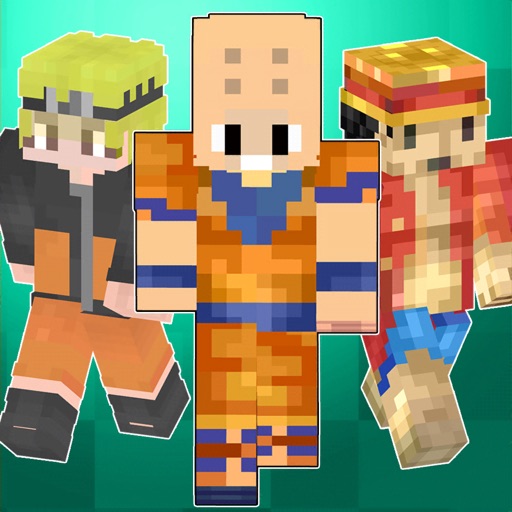
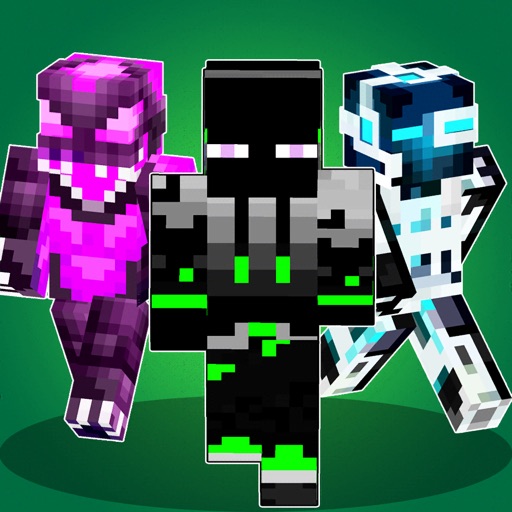
Download and install for PE. Browse a collection of rare and popular . Use a virtual 3D simulator to preview . Easily download and apply to customize your character.
Resources like diamonds, emeralds, gold, and coal in . Input world seed and coordinates to locate items. Supports multiple updates including 1.21 Tricky Trials and 1.18 Caves and Cliffs. Provide detailed resource locations across all platforms.
Download and install to customize character appearance in . Select from the , save them, and import into to change player skin. Sync with the game to replace default character models.
Learn to build with step-by-step tutorials. Use AI tools to assist in Minecraft creation. Locate diamonds, gold, and other resources with an ore finder. Find seeds for new adventures. Create in Minecraft with guidance and tools for all skill levels.
Create Minecraft skins by selecting clothing items and customizing features like hair, face, eyes, and mouth. Add drawings for extra details. Export skins for Minecraft PE and PC.
Access a library of mods, maps, skins, and textures for Minecraft PE. Download cars, weapons, shaders, and furniture. Explore modern cities, castles, and adventure quests. Customize with exclusive packs and lucky blocks.