
Bananai: Speak & Create
MWM
Edit photos with voice commands
Edit photos using voice commands to describe desired changes. Animate static images to motion. Test virtual haircuts and styles on photos. Save and share edited images directly.

Edit photos, crop images, and design graphics
Edit photos with cropping, resizing, and removal tools. Apply filters, adjust colors, and add text overlays. Export images in various formats and share directly to social media or online stores.
Showing 181–200 of 1,000 ranked alternatives.
MWM
Edit photos with voice commands
Edit photos using voice commands to describe desired changes. Animate static images to motion. Test virtual haircuts and styles on photos. Save and share edited images directly.

AI PHOTO JOURNEY, SRL
Enhance photos with AI-powered editing
AI improves quality, fixes lighting, and sharpens details. AI Unblur converts pixelated or blurry images into clear high-resolution photos. Users can upload photos and apply AI-powered enhancements to restore old memories or refine portraits.



Gabriel Steven
Edit photos and videos with AI anime
Edit photos and videos with AI-generated anime styles, including facial enhancements and background effects. Apply filters, adjust colors, and add animated elements. Export edited content in various formats and share directly.

Benjamin Gouleau
Generate AI videos from photos
Create AI-generated videos and images using advanced AI tools. Type descriptions to generate cinematic videos or product visuals. Edit content, adjust settings, and export final outputs directly.


PROTOOLS LLP
Remove from photos
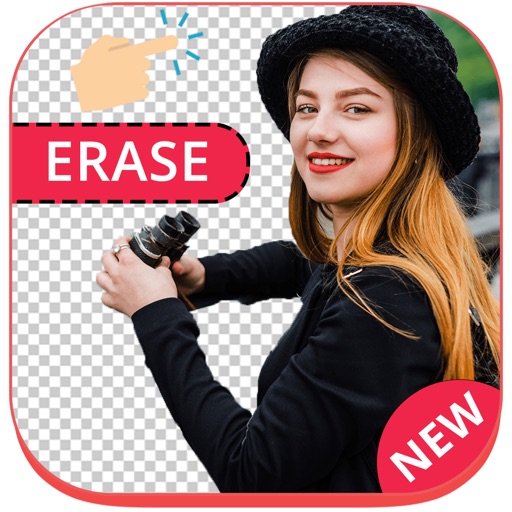
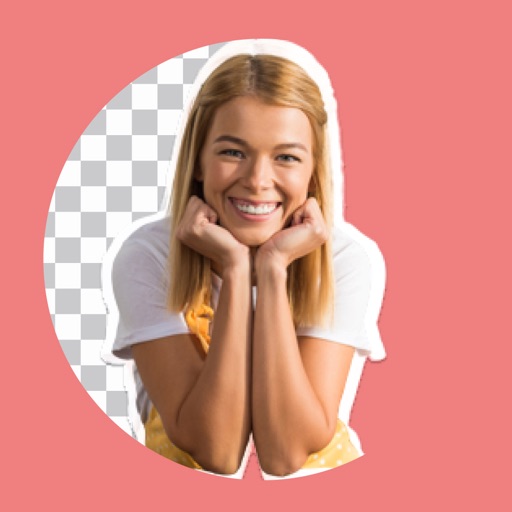
Remove backgrounds from photos to create transparent images. Highlight the subject and replace the with a new image. Adjust transparency and export the edited photo.

Julien Brami
Edit images with text prompts
Edit photos by describing desired changes, additions, or removals. Remove objects or people seamlessly. Enhance lighting and mood with cinematic, dramatic, soft, or warm settings. Adjust colors and apply filters. Save or share the final edited image.

Alexey Tataurov
Remove unwanted objects from photos
Remove unwanted objects from photos using AI-powered image processing. Edit blemishes, erase lines or wires, and eliminate scratches. Delete any elements not desired in the image. Save and share the edited photos.



Dmitriy Beloglazov
With a tap
From photos with a single tap using AI technology. Edit backgrounds for a polished look. Retouch images and correct flaws on selfies. Adjust colors and brightness for enhanced clarity. Export edited photos in high quality.
Gopi Chauhan
Edit photos and remove backgrounds
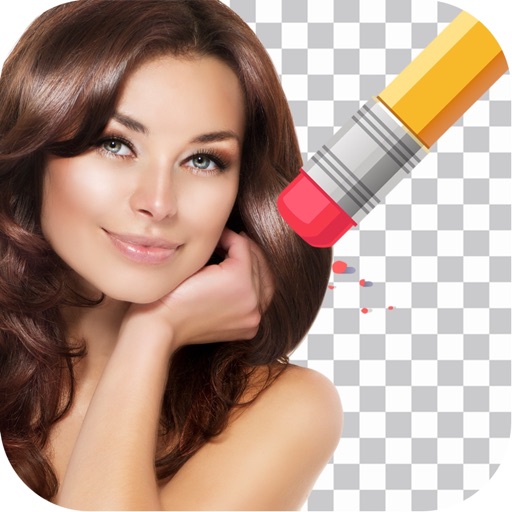
Remove backgrounds from photos by tapping areas to erase. Automatically or manually adjust transparency. Save edited images in HD quality. Export and share edited photos directly.



Retouchit LLC
Expert photo editing by professionals.
The app provides professional photo editing services by Photoshop experts. Users can request edits for face, body, skin, and backgrounds with options for express or custom services and unlimited revisions.
Apps are ranked by functional similarity, category fit, rating confidence, and popularity.