Control home devices using , which connects Apple HomeKit to non-HomeKit devices like TVs, lights, and game consoles. Manage scenes, automate routines, and monitor device status through the .
Track damage, reactors, and orders for Adeptus Titanicus units. Manage weapons and apply terminal status. View unit details without painting or assembly. Compatible with table-flips.
Access remote servers with terminal emulation and barcode scanning capabilities.
The app connects to a Telnet Server for remote terminal access. It supports multiple barcode scanners and customizes color settings for user preference.
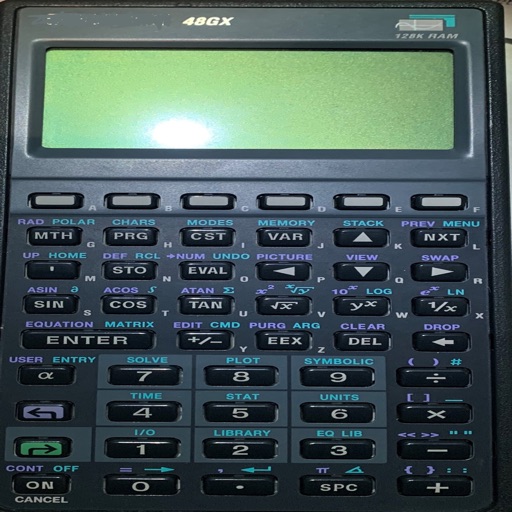
Perform calculations using reverse Polish notation. Swipe to undo or redo operations. Access a 100-entry stack and 6 memory buttons. View large, easy-to-read displays. Save state on exit. Supports scientific functions and multiple undo/redo levels.
Allows users to remotely query databases without account registration or email collection. It supports parameterized queries and optimizes performance over weak network connections. Data requests are automatically managed to ensure reliable access.
Access IBM Mainframe systems via using Internet or Wi-Fi connections. Support VPN for secure remote access. Edit and input data using host key. View and switch between code pages including 037, 500, 930, 931, and 939.
Access IBM Mainframe via 3270 terminal emulation. Customize screen size and colors. Use SSL/TLS for secure connections. Scan barcodes with device camera. Copy and paste using clipboard. Print wirelessly via Air Print. Zoom and scroll like Safari.
Access remote desktops and control Windows sessions
Access remote Windows desktops via RDP. Control and view desktops on iPhone, iPad, or iPod Touch. Supports all Windows versions with Terminal Services. Connect to Windows Terminal Services and Remote Desktop Services.