Apps Like Coloring Master ASMR for iPhone and iPad
Create and browse pages
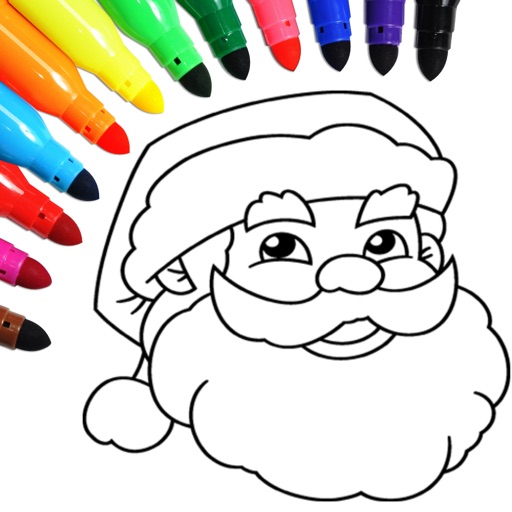
Create and customize artwork using hundreds of themed pages. Choose from various styles and colors to fill in lines. Save and share completed drawings. Explore a gallery of user-generated and pre-designed illustrations.
by Tran Thi Giang★ 4.5698 ratingsGamesFreeData updated 2026-09-06
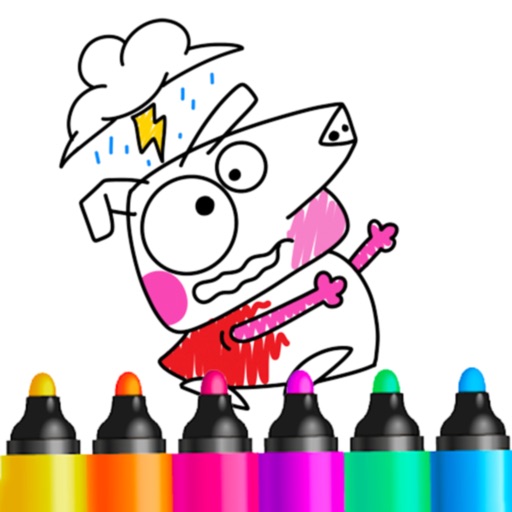
With interactive drawings and sound effects. Includes fine motor skill exercises. Features themed images with animated characters. Allows children to create and save their own artwork. Includes drawing lessons and activities.
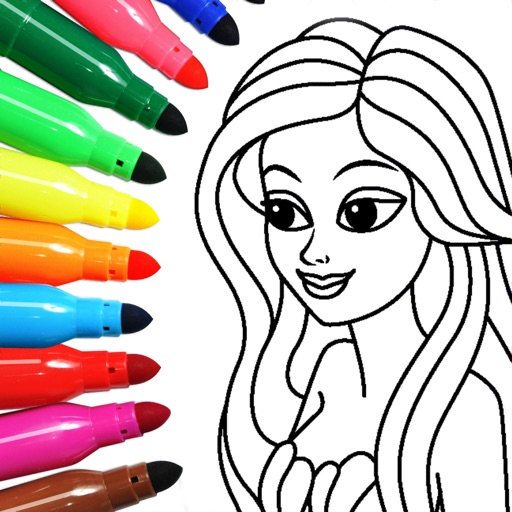
Allow users to create and customize mermaid illustrations. Users can select from 300+ pre-designed , add stickers and text, apply special effects like glitter, and save their work. Free drawing mode enables custom artwork.
Create and customize home-themed colorings with pre-designed illustrations. Choose from cottages, cabins, farmhouses, and more. Adjust colors and save progress. Share completed artwork directly.
Images with a variety of tools including brushes, erasers, and layers. Choose from themed pages featuring animals, nature, and abstract designs. Save and share completed artwork. Adjust palettes and add custom patterns.
Coloring allows users to fill pages with unique images of fruits. Choose from various line sizes and colors. Play offline without internet. Includes calming music. No ads or data collection. Purchase additional coloring packs in-.
Create drawings using realistic crayon and marker pen tools. Listen to drawing sounds. Navigate with an intuitive interface. Access eight free coloring pages for practice. Explore related drawing apps for different mediums.
Book offers 60 illustrations for , including princesses, unicorns, cats, mermaids, fairies, and beauty items. Users can select colors, erase mistakes, and save completed pages. Share finished artwork via social media.
Create and customize drawings using line tools, paintbrushes, and stamps. Access a library of free pages to color and paint. Share completed artwork with family or friends. Draw freely or use pre-designed templates for creative expression.
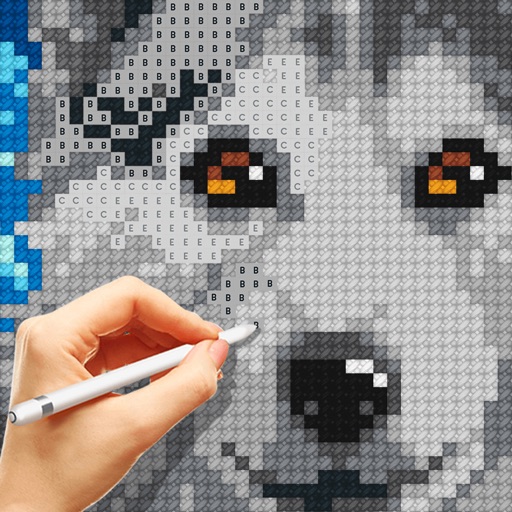
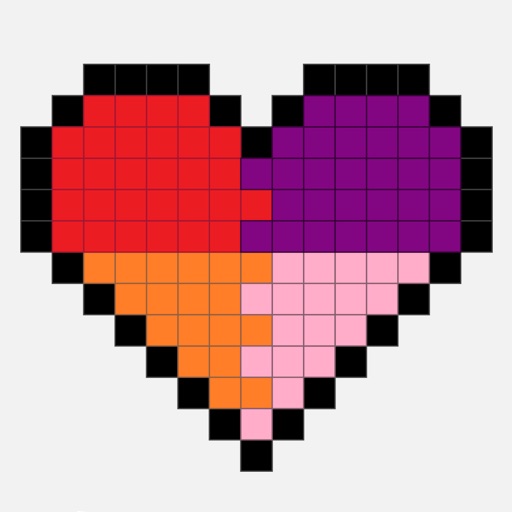
Create pixel art by tapping and coloring by number. Select from a bright color palette to match designs. Access a wide variety of original, high-quality images. Save and share completed artwork.
By allows users to select and pre-drawn images using numbered sections. Features include a library of artwork, monthly updates, and the ability to save and share completed pieces.
Create drawings with realistic pencil, marker, and crayon tools. Choose from bright and soft color options. Use notebook-style pages for sketching, doodling, or coloring. Save and share drawings directly.