Create and customize chord sets using an internal library or random generation. Play chords with 8 groups of 16 pads or 2 groups of 64 pads. Generate MIDI controls on pad axes. Connect via MIDI and use as a standalone or AUv3 plug-in.
The app offers interactive ear training for musicians. It helps users develop listening skills for chords, inversions, intervals, and scales, with various modes and display options.
The app provides tools for composing guitar songs, including automatic arpeggio, a chords tapboard, and pattern tapboard. Users can record and playback songs with animations and view chord fingering hints.
Enhance musical skills through structured practice and personalized learning.
The app offers a structured approach to musical training with a variety of exercises. It allows users to customize their learning experience and track progress effectively.
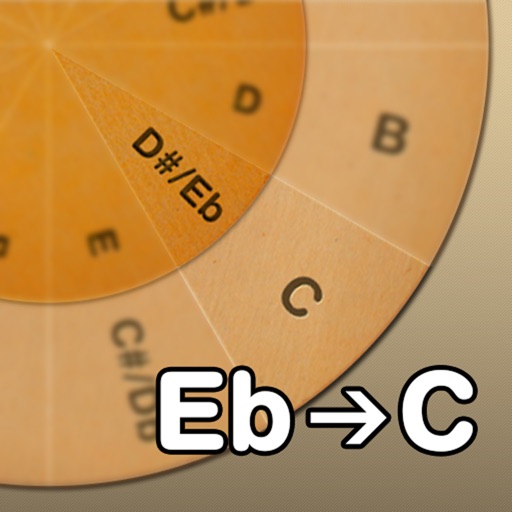
Adjust musical keys by rotating wheels to match original and target keys. Transpose chords for guitar players using capo positions. Modify song pitch to suit vocal range or instrument tuning.
Practice ear with exercises on intervals, chords, scales, and melodies. Select intervals within two octaves and activate backing chords for practice. Identify and repeat musical notes and patterns to improve listening skills.
A dictionary for identifies symbols based on finger positions. Set finger placements to retrieve names. Includes reverse lookup for symbols to finger positions.
Read and manage from PDF, image, text, and MIDI files. Import scores via camera, photos, or files. Organize by title, artist, and setlist. View scores in horizontal, vertical, or two-page modes. Annotate with pen, text, shapes, and stamps.
The app allows users to play chords by tapping buttons and strumming. Chord buttons can be reconfigured for over 150 chords per key, and users can experiment with picking melodies.
Practice chords with interactive diagrams and multiple finger placements. Learn chord progressions and build songs. Tune with built-in tuner. Record and playback practice sessions. Sync progress with cloud storage.
Explore and with interactive virtual and staff notation. Play and ascending, descending, and harmonically. Adjust root notes and inversions. Compose songs by arranging and progressions.
Learn , , and modes in any position using a fully functional simulator. Practice with interactive games, view references, or challenge yourself. Record and save riffs, use backing tracks, and adjust metronome settings.