Learn fundamentals through structured lessons covering 12 scales and all notes in between. Practice ear training to recognize melodies and solos by ear. Track progress and receive feedback to improve playing accuracy and fluency.
by Oleg Sokolov★ 0.00 ratingsEducationFreeData updated 2026-09-06
Practice ear training by identifying intervals, chords, and scales. Listen to audio examples and select the correct answer. Track progress with detailed reports. Sync lessons across devices and receive instant feedback on accuracy.
Practice with interactive exercises that improve accuracy, rhythm, and note recognition. Use MIDI instruments, microphone input, or on-screen keyboard for flexible practice. Track progress and refine musical skills through targeted sessions.
Develop musical ear through 80 progressively challenging levels. Recognize intervals and improve solfege skills. Identify pitches relative to a tonal center. Syncs with Apple Health.
The app offers tuning for various string instruments including guitars, ukuleles, and cellos. It features educational games for learning chords and ear training, with modes like Tune Guard™ for safe tuning.
Explore , , and progressions with interactive virtual and staff notation. Play ascending, descending, and harmonically. Adjust root notes and inversions. Compose songs by arranging and .
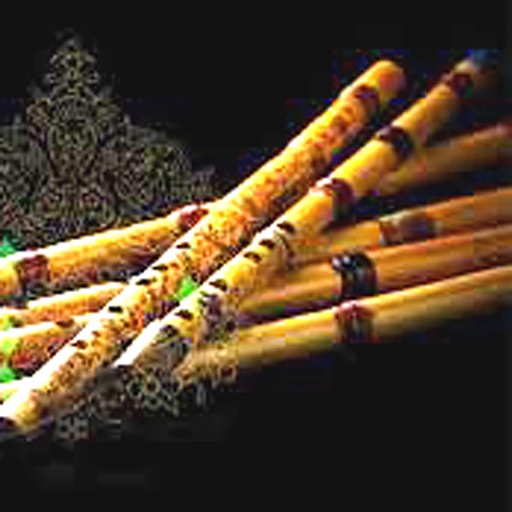
Simulate Oriental NEY and music with 10 distinct style tunes. Play middle eastern rhythms and accords. Adjust quarter flat tunes for various musical genres. Choose different musical styles for playback. Export or share recorded performances.
Create and edit music using sampled Mellotron sounds from the 1960s. Access a library of instrument tapes including strings, choirs, and horns. Adjust pitch, volume, and effects. Export projects in audio formats and share files directly.
Practice note recognition with interactive flashcards and games. to play simple melodies like "Happy Birthday" and "Twinkle, Twinkle Little Star." Explore basic theory concepts. Collect stickers as you progress. No instrument required.
Practice ear with customizable exercises for chords, intervals, and scales. Track progress across different disciplines. Use a configurable for visual feedback. Access tutorials and follow guided lessons for skill development.
The app allows users to compose music scores with various symbols and multiple tracks. It supports different instruments, transposing instruments, and playback.
Practice ear tests for RCM Grades with audio exercises and mock exams. Identify notes, intervals, and rhythms. Track progress and review answers. Supports 12 instruments and includes over 1,600 questions.
Play sounds with Orchestral and Traditional sound groups, each containing multiple sub-sounds. Adjust microtonal tuning and transpose notes. Apply echo and chorus effects. Use sensitive play mode for responsive performance.
Sing melodies, hear progressions, connect instruments
Learn music theory through videos and exercises. Practice reading sheet music daily. Identify intervals and notes with ear . Explore piano chords and scales. Connect instruments or voice for real-time feedback.
Recognize chords, beats, and lyrics from audio files or microphone input. Access songs on YouTube, SoundCloud, or local files. View diagrams and track progress. Export lyrics and chords for offline use.