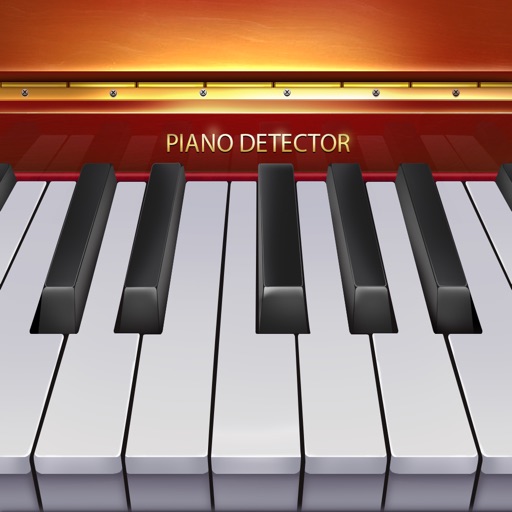
Play with a full 88-key keyboard and haptic feedback. Use multi-touch for chords and dynamics. Access 50+ instrument tones. Learn through interactive practice. Control via widgets without launching the .
The app allows users to create music notation documents, from blank paper to multi-page exams. It simplifies document creation on mobile devices using a system called the Fragment Engine for customizable music theory elements.
Teach music theory with note identification, fingerings, and rhythms. Track student progress and assign exercises. Include alternate fingerings in red. Motivate learners with quizzes and progress reports.
Teaches children about big bands and musical instruments through an interactive story. Allows users to explore images of instruments, listen to audio clips, and complete simple quizzes.
Play-along backing tracks enable users to practice with real music. Call-and-response exercises help develop improvisation skills. A progress tracker monitors user advancement.
Learn music with interactive lessons that combine visual fretboard diagrams and audio playback. Practice intervals, chords, and progressions through structured lessons. Use ear training exercises to improve pitch recognition.
The app displays four-part Chorales harmonized by Johann Sebastian Bach. Users can select any of the 371 Chorales, add the title verse, or replace voices with figured bass to highlight harmony.