Access conference presentations, exhibitor information, and attendee connections. Take notes on slides and draw directly on presentation content. Sync notes with event apps for offline access.
by Washington Workforce Association★ 4.829 ratingsEducationFreeData updated 2026-09-06
Create professional-looking presentations with customizable templates. Add text, images, and animations. Edit slides, update content, and share presentations online or via email. Export in various formats for viewing and printing.
View and manage PDF, Word, Excel, and text files directly on Apple . Scroll through pages, zoom in and out, navigate to specific pages, and access files from the wrist.
Engaging interactive content for learning anytime.
The app provides interactive content including videos, quizzes, and slides. Users can learn at their own pace, anytime and anywhere, fostering critical thinking.
Create and organize ideas using maps. Add notes, links, and images to nodes. Convert maps into presentations. Share and collaborate in real time. Sync maps across devices and access from any browser.
Register for sessions, access schedule, view exhibitors
Register for breakout sessions and view the conference schedule. Access key links, exhibitor information, and speaker details. Retrieve session materials and navigate event locations.
Convert notes, PDFs, photos, or lecture slides into interactive and quizzes. Highlight text, generate cards from content, and study using spaced-repetition algorithms. Create and take mock quizzes based on imported material.
Attend sessions via email or web link. Interact in real-time with audio, screen sharing, and guided presentations. Collaborate in virtual classrooms and web conferences. View web tours and participate in discussions.
Create, search, and watch videos and presentations. Share content with others. Browse rich media in a controlled environment. Access video libraries and manage media files. Collaborate through comments and discussions.
Access learning content in various formats including videos, presentations, SCORM, tests, and surveys. Sync learning progress across devices. Download content for offline use. Track progress with gamification elements like points, levels, and badges.
Turn iPad into a for real-time annotations. Project PDFs and images to a computer via local network. Annotate live during presentations. No subscriptions or additional software required. Share annotated content directly from the browser.
Turn iPad into a wireless whiteboard. Annotate PDFs and images live by projecting them to a computer on the same network. Draw, write, and highlight in real time using the iPad's screen. Share annotations directly from the web browser.
Create interactive flashcards and quizzes from notes, books, slides, and PDFs. Generate multiple choice, true or false, fill in the blank, case study, and matching questions. Customize difficulty and number of questions.
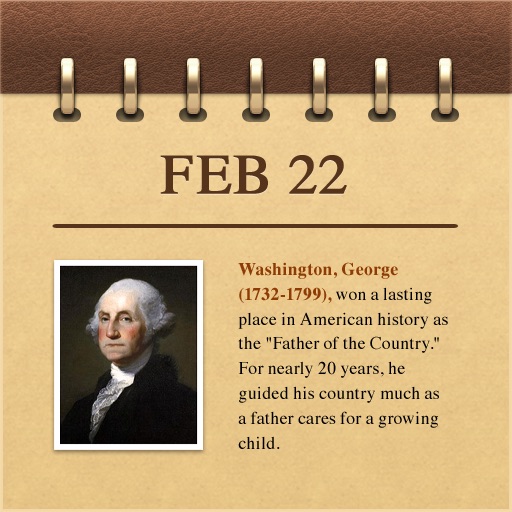
Explore historical events with multimedia content. View events by date or select a specific day. Access photos, illustrations, music, and speeches related to each event.