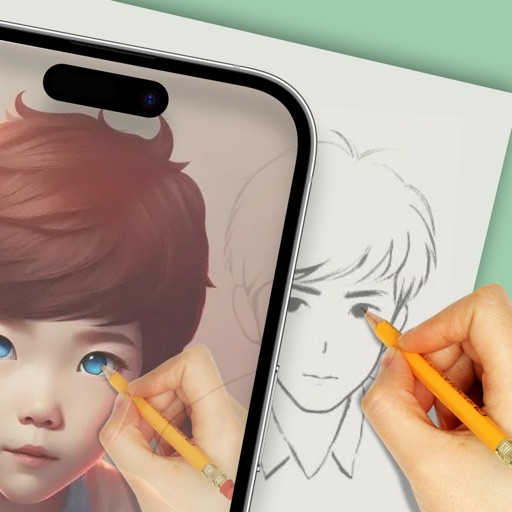
Use augmented reality to draw on any surface. Create sketches with AI-assisted tools. Select and customize NFT images from your phone gallery. Export drawings in various formats. Share artwork directly from the .
Create mood boards and organize reference images with smart asset management. Pick precise colors and collage freely. Edit across iPhone, iPad, and macOS with unlimited canvas and batch processing.
Create designs with a flexible canvas and 45+ device frames. Sketch with Apple Pencil, build wireframes, and develop interactive prototypes. Collaborate in real-time and export designs in multiple formats.
Upload a photo of your outdoor space to generate realistic designs. Explore various landscape styles and layouts. Adjust elements like plants, structures, and terrain. Save and share design ideas.
The app allows users to create icons with various drawing tools. Users can adjust segment shape, width, color, and size before exporting the final icon.
Create flyers, posters, logos, and social media graphics with customizable fonts, filters, shapes, and artwork. Add text, adjust colors, and export designs for print or online use.
Design posts, preview content, schedule posts, auto
Create and customize Instagram stories and posts with hundreds of templates for different scenarios. Preview content before posting. Schedule posts in advance. Automatically publish content. Track engagement and performance metrics.
Create social media graphics using professionally designed templates. Adjust layouts, add text, images, and videos. Export in various social media sizes. Customize templates with editing tools. Share directly to platforms.
Turn real-world images into sketches using . Capture photos and apply freehand artwork with intuitive tools. Edit and refine sketches directly on the canvas. Share finished drawings via social media or email.
Multiple screenshots together to create a single long image. Select and arrange manually or let the auto- them seamlessly. Export the merged image for sharing or saving.
Create a custom grid to style your home screen with images from your gallery. Play photos randomly from albums or stream all device-stored photos. Use standalone that function independently. Make collages using selected images from your phone.
Edit screenshots with customizable backgrounds and size adjustments. Apply preset ratios for optimal display. Share enhanced images directly from the .
Create notes, annotate PDFs, and sketch digitally. Convert whiteboard images to vector ink with Inkport gen 2. Resize, recolor, and edit drawings. Build layered sketches without using layer functions. Share notes across devices.