Apps Like Doc Scanner PDF with AI & OCR for iPhone and iPad
Scan documents, edit pages, and share files
Scan documents instantly high-quality PDF, JPEG, and PNG output. Edit scans, add text, and sign digitally. Share files via email, cloud services, or messaging. Organize and store scans in folders for easy access.
by Ruslan Khalikov★ 4.8520 ratingsBusinessFreeData updated 2026-09-06
Documents, receipts, and notes to create PDF or JPG files. Use OCR to convert text from images. Edit scanned text and convert handwriting to text. Restore old photos and ID cards or passports. Share or save files in PDF, JPG, or TXT formats.
Extract text from images and documents using OCR technology supporting 92 languages. Copy extracted text, scan documents, convert to PDF, and share results. Organize scans in folders. No cost for unlimited use.
Convert paper to PDF and image files. Scan notes, sketches, and photos with high clarity. Save and share scanned files directly. Organize and view in a digital format.
Scan and recognize text from printed or handwritten documents. Convert scanned images into editable PDFs or Word files. Organize documents into folders and share them via email or cloud services. Edit text directly within scanned documents.
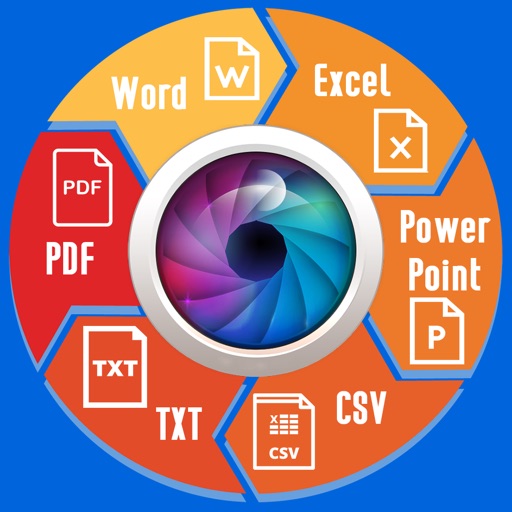
Convert documents between formats such as PDF, Word, Excel, PowerPoint, and images. Edit converted files directly. Save and share converted documents. Import files from cloud storage. Export in multiple formats.
Digitize and manage documents with advanced scanning tools. Convert papers to PDF, edit text, add annotations, and organize files. Share documents securely and access them across devices.
Convert paper documents, receipts, or notes into editable PDFs with one tap. Extract text from images or scanned files for editing and sharing. Scan QR codes and convert Word files into high-quality PDFs.
Documents, receipts, notes, invoices, and whiteboards. Export scans as multipage PDF or JPEG files. Save PDFs on iPhone or open in other apps like iBook or PDF Reader. Print or email scanned documents directly.
Convert documents to with scanning and editing tools. Sign and lock files for secure storage. Read and annotate PDFs. Organize and manage files in one place. Share documents directly via email or cloud services.
Scan documents into PDF, JPG, or ZIP formats. Use ID-card and passport modes for specialized scanning. Save and share files directly. Organize scanned documents in a mobile office folder.
Documents, photos, receipts, or other materials into clear, sharp images or PDFs. Correct perspective, remove shadows, and adjust colors. Save, email, print, or cloud-store scans. Combine multiple scans into one PDF using batch mode.
Edit documents, spreadsheets, and presentations online
Create, edit, view, and share documents. Compatible with Word, Excel, PowerPoint, PDF, and Google Docs formats. Sync documents across mobile devices and Mac. Scan and convert PDFs. Export files in multiple formats.
Extract text from scanned images and convert to Word, Excel, or PDF. Edit extracted content in Word or Excel. Convert tables and format from images to Excel or Word. Save as text files or PDFs. No registration required for conversions.
Scan documents, receipts, and images using the camera or photo library. Convert images to PDF instantly. Edit scans with tools to crop, rotate, enhance, and adjust brightness and contrast. Organize files within the .
Edit PDFs with text editing, signature tools, and drawing features. Annotate pages with highlights, comments, and stamps. Convert files to other formats and manage documents through organization and sharing options.
Allows users to scan physical documents into digital formats. Features include automatic detection, cropping, and saving as PDF or image files. Users can annotate, add text, and share scanned documents via email or messaging apps.