Create pixel art with automatic double pixel removal for precise line art. Use round, square, and matrix dither brushes. Draw lines locked to isometric angles. Create rectangles and ellipses. Manage layers for animated projects.
Create and edit drawings with a variety of brushes, colors, and layers. Add text, shapes, and stickers to and sketches. Save, organize, and share drawings across devices. Suitable for both creative expression and note-taking.
Explore detailed 3D skeletal and muscular system models. Rotate, zoom, and dissect layers to view internal structures. Access a drawing gallery with anatomical references. Purchase additional muscular system content.
Create sketches and freehand drawings with adjustable brush sizes and colors. Save creations to device. Use full-screen drawing area for artistic notes or quick doodles.
Create and arrange using clip-based editing. Trigger samples and loops, record audio, and capture MIDI performances. Drag and drop clips to experiment with arrangements. Edit audio and MIDI with shaping .
The app allows users to compose and compile Processing and p5.js projects on a phone or iPad. It supports offline use, code highlighting, and problem identification within the code.
Create mind maps by placing ideas anywhere on an infinite canvas. Connect notes with lines and arrows. Expand pages as needed. Organize thoughts visually without linear constraints. Share or export mind maps directly.
Convert images to PDF by selecting files from your device. Choose between offline and online conversion modes. Save converted PDFs directly to your device without needing additional software or a computer.
Pollux Bilisim Teknolojileri Sanayi ve Ticaret Limited Sirketi
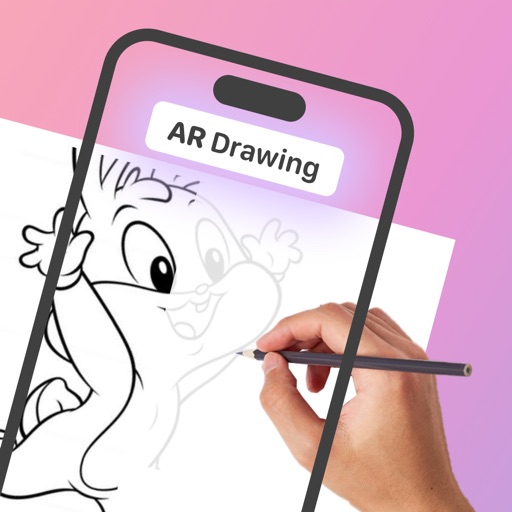
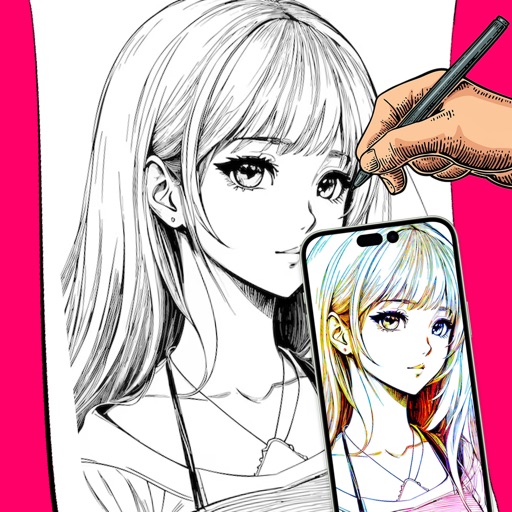
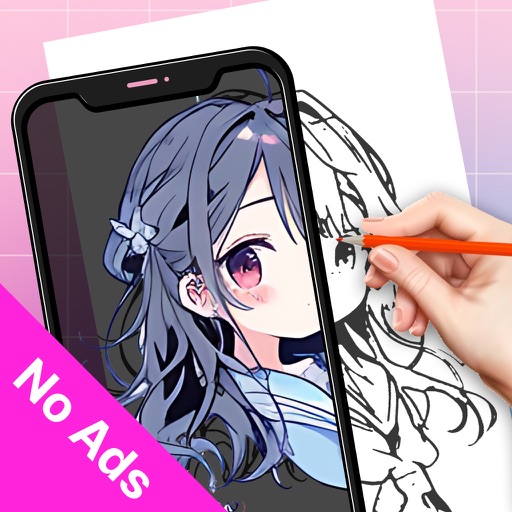
Sketch on photos with AR
Use AR to sketch and draw on photos with realistic ink effects. outlines or create pencil sketches from images. Convert photos into artistic drawings with AI-powered tools. Save and share finished artwork directly.