Apps Like Dockland - Hide The Dock for iPhone and iPad
Design custom wallpapers to the iPhone
Create unique wallpapers to the iPhone and achieve a clean, streamlined look. Design custom images with intuitive controls and apply them directly. Adjust settings to fit your device's display.
by Shen-Wen Yang★ 4.6128 ratingsGraphics & DesignFreeData updated 2026-09-06
Create flower bouquets with templates and stickers
Create personalized flower bouquets using wallpaper templates and flower stickers. Design festive holiday scenes for Christmas themes. Share created wallpapers with others. Customize floral backgrounds with various design options.
Customize iPhone home screens and lock screens with themes, wallpapers, and widgets. Choose from warm, cartoon, neon, and trendy styles. Add interactive widgets for quick access to data. Apply designs with simple tap gestures.
Browse wallpapers categorized by themes. Search for specific images. Preview wallpapers before downloading. Save favorites to a wishlist. Download high-resolution HD and 4K wallpapers compatible with all iPhone models.
Download and set high-quality 4K wallpapers as phone backgrounds. Browse and select images to download. Share wallpapers with others. Apply chosen images as home or lock screen backgrounds.
Customize iPhone appearance with still and live wallpapers from categories like nature, anime, and glitter. Choose from exclusive designs and ensure high-quality display. Replace lock screen with new customizable options.
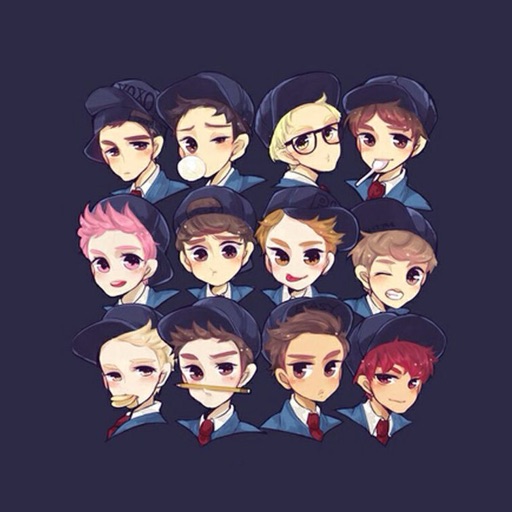
Save wallpapers of EXO members to your photo gallery. Share them via Facebook, Twitter, and Google+. Wallpapers are optimized for high definition. Requires internet connection.
Customize and Lock Screens with themes, icons, and widgets. Add widgets for quick access to apps and information. Choose from a wide selection of wallpapers and design personalized themes.
Set wallpapers with high-quality images. Choose from fantasy and kawaii designs. Download free backgrounds for phones. Apply as home or lock screen wallpapers.
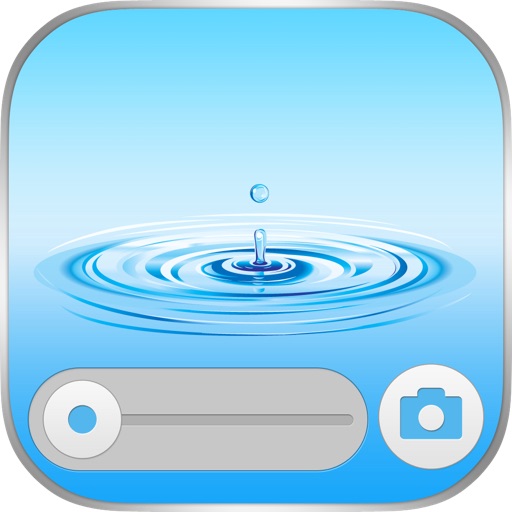
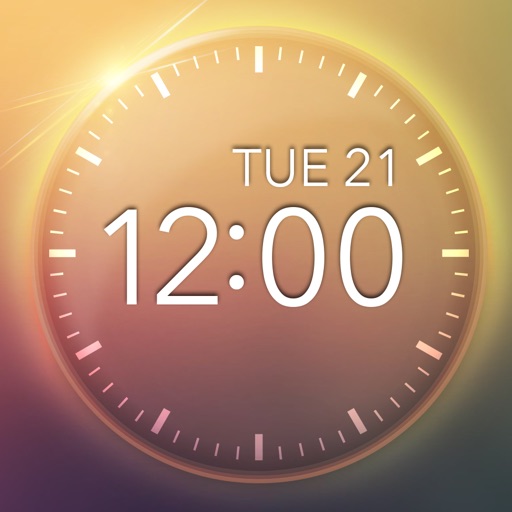
The app offers a wallpaper collection featuring water, nature, drops, bubbles, and splash elements. It provides designed wallpapers with time and slider overlays for users to select.
Create custom Apple face wallpapers using a variety of cute and detailed design elements. Access a large library of resources to personalize the face. Export designs for use on Apple without altering native interface elements.
Customize device with high-quality, adaptive images. Browse a vast library of dynamic wallpapers. Set wallpapers to change automatically or manually. Apply filters and adjust brightness for optimal display. Share custom wallpapers with others.
Download and customize for mobile devices. Select from a variety of high-resolution images and combine with to create personalized . Set chosen as device background.
Customize iPhone 14, 15, and 16 Pro and Pro Max dynamic island screens with over 100 unique . Choose from minimalist or vibrant designs. Set home and lock screen backgrounds. Download and apply directly.
Customize iPhone appearance with themes, wallpapers, and icons. Apply lockscreen widgets and screenkits for aesthetic design. Change home screen icons and themes across all apps. Sync with iOS 16 and iOS 17 features for full customization.