

Apps Like Motion Blur Effect for iPhone and iPad
Motion Blur Effect screenshots
Ranked alternatives
Showing 161–180 of 1,000 ranked alternatives.

Photo Censor - Pixelate & Blur
AlgoTwist Ltd
Images with , , or black effects
Edit images by selecting areas to . Apply pixelation, , or black effects. Undo previous actions. Share censored photos directly.



Drip Art Effect Photo Editor
Patel Gaurav
Create art and share photos
Apply art to photos for creative visuals. Add spiral effects and blur backgrounds. Use emoji art, background art, and outline art to enhance images. Apply AI, cartoon, neon, and mask effects. Create retro, atlantis, and big camera styles.


DSLR Camera
Fulvio Scichilone
Shoot photos and videos manually
Record video and photos with manual controls for exposure, focus, and white balance. Use advanced editing tools with 200+ professional filters. Adjust settings for low-light performance. Share directly via iMessage or social media.
Blur Square
Ashraf Samy
Create blurred frames for photos.
The app allows users to select a photo and create a blurred frame effect instead of cropping. Users can adjust the blur and fade effects and save the modified photo to their gallery for sharing.
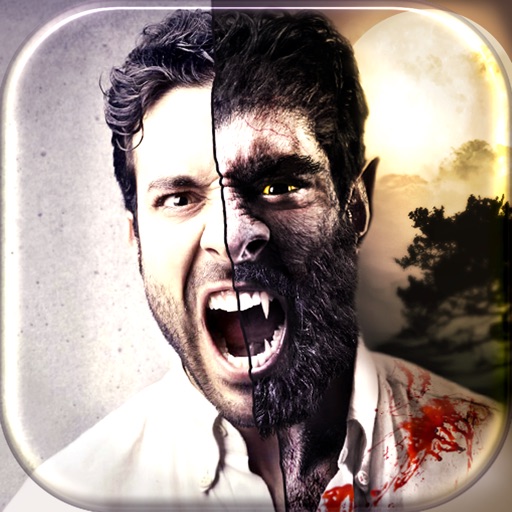
Werewolf Camera Photo Booth - Vampire Photo Effect for Instagram
Vitaliy Odarchenko
Apply vamp teeth and effects
Apply virtual vamp teeth and face effects to photos. Edit images with customizable templates. Share edited photos directly from the .

Famey: Video Maker & Templates
Alpha Mobile Limited
Edit videos with simple tools
Create and edit videos using pre-designed with text, animations, filters, and music. Add effects and customize layouts. Export final videos in various formats.

Perfect Portrait Retouch Face
Pawel Nozykowski
Edit faces, resize features, refine photos
Edit photos by adjusting facial features like nose and eyes. Apply pre-set filters for enhanced appearance. Use AI to detect photo planes and select Bokeh effects to blur backgrounds. Save and share edited images.


Darkr - Black And White Filter
Marcus Carlsson
Edit photos with darkroom techniques
Darkroom allows users to adjust exposure and contrast by selecting optimal strips. Users can manually brighten or darken specific image areas. Features include intuitive controls for developing film-like effects and simulating darkroom processes.

How we rank alternatives
Apps are ranked by functional similarity, category fit, rating confidence, and popularity.