Apps Like StandBy Widgets 17 Wallpapers for iPhone and iPad
Set and add
Set lock screen and add for iOS 17. Customize time and event displays. Choose from themed backgrounds and interactive . Adjust widget positions and styles. Sync with iOS 17 features for full compatibility.
by Skyrocket Apps Limited★ 4.5169 ratingsGraphics & DesignFreeData updated 2026-09-06
Customize home screen with , icon sets, and widgets. Add frames, filters, stickers, and text to photos. Crop images and change colors of icons. Choose from various and icon galleries. Set preferred icon sets for quick access.
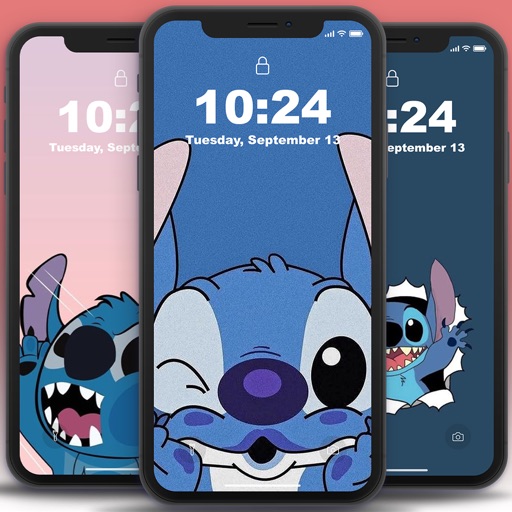
Set home and lock screen with high-resolution images. Choose from static and animated options. Customize wallpaper settings for optimal display. Share via social media or messaging.
Customize iPhone home screens and lock screens with themes, wallpapers, and widgets. Choose from warm, cartoon, neon, and trendy styles. Add interactive widgets for quick access to data. Apply designs with simple tap gestures.
Track upcoming events with timers for birthdays, holidays, and personal milestones. Add reminders, set calendars, and view progress through widgets. Sync across devices and receive notifications.
17 lets users browse and select high-quality from categories like landscapes, sunsets, mountains, animals, and abstract designs. Users can search for specific images, save favorites, and set chosen as their device .
Customize iPhone home screens with widgets, , and icons. Add widgets for quick access to apps and information. Choose from various and . Replace default icons with custom designs. Organize home screen layouts with drag-and-drop functionality.
Customize screens with themes, icons, and widgets. Add iOS 16 widgets for real-time data. Change wallpapers and icons. Sync with iOS 16 for updated screen designs. Organize widgets into folders. Apply aesthetic themes to enhance visual appeal.
Customize iPhone appearance with themes, wallpapers, and icons. Apply lockscreen widgets and screenkits for aesthetic design. Change home screen icons and themes across all apps. Sync with iOS 16 and iOS 17 features for full customization.
Customize device appearance with iOS 16 inspired icon packs and Full HD/4K wallpapers. Personalize Home and Lock screens. Access regular updates of minimal, modern, artistic, and trending designs. Apply themes quickly for a smooth user experience.
Customize home and lock screens with fully editable widgets. Add elements, select data sources, apply effects, and arrange layouts. Assign widgets to screen slots for personalized information displays.
Health display daily step count, sleep data, and exercise goals from Apple Health. Users can track sleep quality and set health-related reminders. can be customized and placed on the home screen for quick access.
HD Wallpapers lets users browse and set high-resolution images as device backgrounds. Categories include nature, abstract art, and more. Users can customize their home screen with curated visuals. Wallpapers can be applied directly from the .
A productivity featuring a in landscape mode. Includes multiple customizable themes. Offers countdown and count-up timers. Provides time widgets for home screen customization. Allows users to provide feedback via email.
Customize iPhone home screens with themes, widgets, and icons. Change wallpapers to 4k static or live moving images. Modify icons and add lock screen widgets. Apply pre-designed themes or create custom ones.