

Apps Like Extra Volume Booster for iPhone and iPad
Boost audio without distortion
Increase audio up to 1000% without distortion. Enhance low-quality sound clarity. Adjust levels for weak microphone or speaker outputs. Amplify audio files while maintaining sound quality.
Extra Volume Booster screenshots
Ranked alternatives
Showing 381–400 of 1,000 ranked alternatives.
Bongos - Dynamic Bongo Drums
Skunk Brothers GmbH
Play with mastered sounds
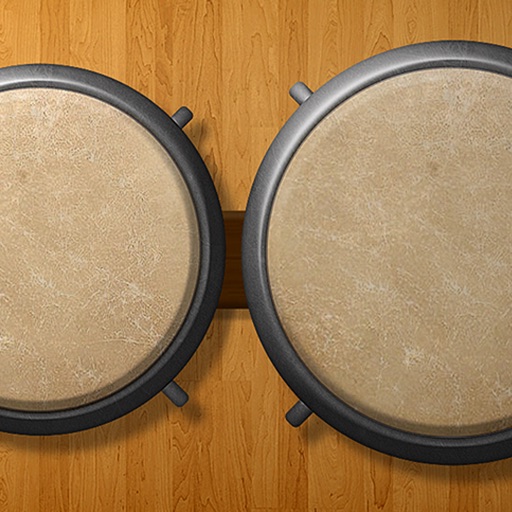
Play using 18 high-quality, professionally recorded samples. Add cowbell and sticks for additional percussion. Adjust sound settings for optimal playback on iPhone or iPad. Perform with low latency for precise timing.

Bongos!
Drum Starz
Play bongos, jam with metronome, add conga
Play bongos and congas with high-quality sounds and 3D visual effects. Use slide-and-play, pitch control, and metronome features. Access 43 drum sounds and loop options. Sync with iPod for music playback.

Clear Wave - Sound Level Meter
Ravi chandran M
Monitor levels with decibel
Measure levels using a built-in decibel . Check volume in different environments. Play audio through iPhone speakers for . Monitor performance and ensure balanced audio output.

Classé
Classe Audio Inc
Control audio products remotely via Wi-Fi.
The app provides remote control for select Classé audio products. Users can manage system selection, volume, source, and audio settings like balance, bass, and treble over a Wi-Fi network.

Bagpipe Simulator
Ammonite Design Studios Ltd
Play bagpipes with on-screen controls
Play bagpipes using on-screen controls to simulate fingering and embellishments. Adjust breath pressure and volume for realistic sound. Listen to high-quality recordings of real bagpipes.

KeyStage
Ali Gokturk
Control instruments, mix audio, and manage effects
Control multiple MIDI instruments and hardware devices through organized sections. Adjust sound parameters and switch sounds within each section. Host AUv3 plugins and manage audio routing for keyboard players.

Sounds Annoying - sfx to drive your friends insane
Lost Ego Studios Limited
Irritating sounds for user amusement.
The app offers over 350 irritating sound effects for amusement. It includes pitch, filter, and volume alterations, with looping and simultaneous playback capabilities.


Guitar Riff Pro - Play by Ear
Learn To Master Ltd
Learn riffs from 1000+ songs
Learn riffs from 1000+ songs across multiple genres. Adjust settings with effects and resizable fretboard. Practice riffs with high-quality simulation. No ads and all content included.


Speaker Test - Clear Sound
Authenticator Technology Limited
Speakers with playback
Plays audio to assess performance and detect blockages. Users can clean speakers by following guided instructions. The includes audio adjustments for volume control and equalizer settings.

Paradigm Subwoofer Control
Paradigm Electronics Inc.
Configure subwoofers via Bluetooth
Settings via Bluetooth connection. Adjust volume, low-pass filter, phase, and deep bass level. Select from three preset modes and use Anthem Room Correction. Initiate tone sweep to identify resonances in listening rooms.

Offline Cloud Video Player Max
莹 李
Import videos from devices and
Upload and manage videos from WiFi transfer, iTunes, Google Drive, Dropbox, and OneDrive. Play videos in supported formats including AVI, MP4, MKV, and more. Use gestures to adjust brightness, volume, and fast forward or rewind.

Música
Zachary Shakked
Sleep to soothing sounds and relax
Play ambient sounds for relaxation and sleep. Adjust volume and pause from lock screen. Sounds continue playing when is closed. No account required. Free to use with no subscription.


MP3 Cutter - Trimmer
Andy Sutanto
Trim MP3s and edit audio files
Edit MP3 files by cutting specific sections, trimming audio, and adjusting volume levels. Change track tempo and apply fade-in or fade-out effects. Save and share edited files directly.


MolaEqualizer
Shigenori Ura
Adjust equalizer settings for precise sound control
Audio player with 16-band equalizer for custom sound adjustment. Users can set each band using a visual curve or graphic mode. Auto gain adjustment prevents distortion. Preset EQ settings match song metadata like genre or artist.
How we rank alternatives
Apps are ranked by functional similarity, category fit, rating confidence, and popularity.