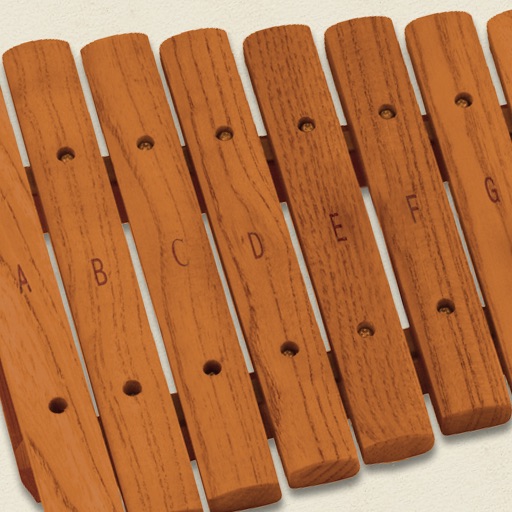
The app simulates a marimba, a percussion instrument with wooden keys arranged like a piano. It produces musical tones when struck with mallets, offering a chromatic layout for performers.
Play virtual accordion with a three-row fingerboard that mimics the traditional instrument's layout. Practice chord combinations, scales, and songs in five key combinations. Choose from color options to customize the interface.
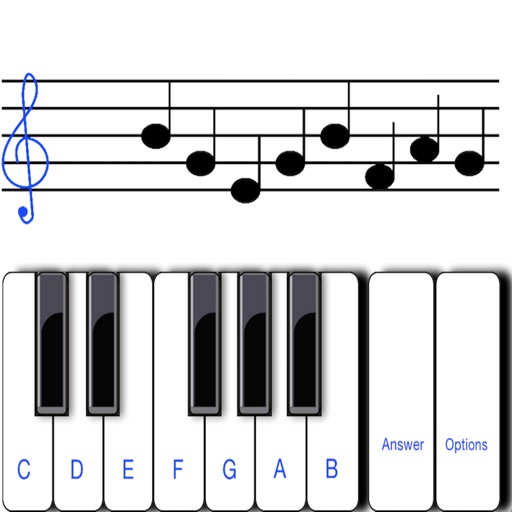
To notes in G and F clefs. Practice notes above and below the staff across six octaves. Randomly generated notes apply to any instrument. Switch clefs for varied practice. Receive feedback on missed notes. Set pace and limit octaves for beginners.
The app uses acoustical impulses from a microphone to drive sound modules simulating membranes, cymbals, metallophones, or strings. It offers a semi-modular architecture with various synthesis types to create a wide range of tones.
Learn through interactive exercises and a visual approach. Practice reading rhythms and scales. Track progress with step-by-step lessons. Receive instant feedback on accuracy. Export exercises for offline practice.
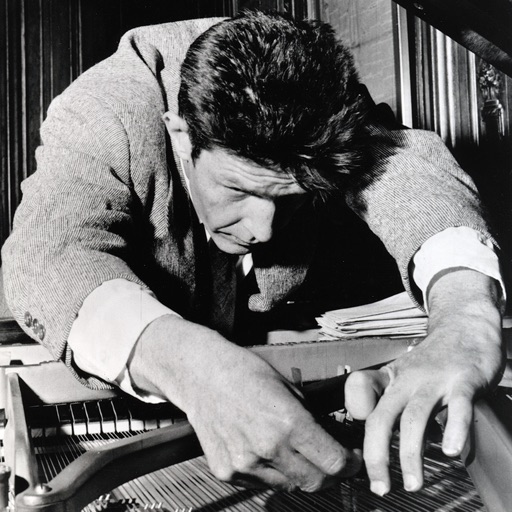
The app allows users to play the sounds of a prepared piano on their iPad. It features meticulously sampled sounds from a piano prepared with materials used by John Cage for his Sonatas and Interludes.
Display finger positions on the instrument with visual guides. Hear each musical note's sound. Watch live demonstrations. Access lessons for different types including F, Bb, and double .
Generate pure sine wave tones across 20Hz to 22,000Hz. Analyze frequencies with a built-in analyzer. Adjust amplitude and duration of tones. Save and share generated files. Test speakers or tune instruments using precise controls.
Adjust strings with real-time frequency display in Hz. Supports 4 and 5 string basses. Instant tuning with fast load times. Shows visual indicators for tuned strings. Includes LED tuning status. Compatible with iPhone, iPad, and iPod touch.