Create layouts using customizable templates. Arrange images in puzzle grids for consistent design. Adjust layouts for new and old post sizes. Edit and export posts directly.
Edit photos with text addition, drawing tools in multiple colors, and cute icon placement. Crop images using various ratios. Export edited photos in different formats.
The app allows users to upload custom videos to platforms like Vine and Instagram. It provides tools to edit, cut, and merge video clips, enabling the creation of short, shareable content.
Edit and share video clips from , including speed adjustments, looping, and 15-second sharing. Access personal videos, camera, and cloud storage services like iCloud, Dropbox, and Google Drive.
Edit photos with nine customizable filters. Crop and position images. Add multiple lines of text and messages. Save creations to the library. Share directly to Facebook, Twitter, and other platforms.
Edit photos with 23 tools including manual adjustments for ISO, shutter speed, and focus. Apply 80 presets and textures. Use built-in camera for manual settings. Export edited images directly. Share photos through integrated sharing options.
Organize ideas using on a digital canvas. Arrange spatially to build narratives. Add images for visual inspiration. Format text with markdown or auto-style. Suitable for script-writing, storyboarding, and brainstorming.
Create videos where photos transform into , dancing, or fighting scenes using AI. Add text and effects. Export and share directly to social media platforms.
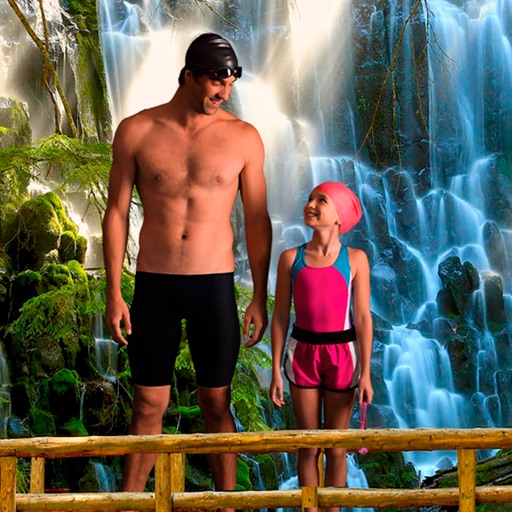
Select a from the collection. Crop a photo by pressing the silhouette button and drawing the desired area. Place the cropped image within the chosen scene. Share the final composition.
Download and edit videos from any source. Save clips directly to device. Use smart finder to browse websites privately or paste links for instant playback. Edit with trimming, cropping, and filters.