Manage with a minimalist todo and calendar integration. Add notes with customizable themes. Backup and restore data via iCloud. Set notifications and use a widget for quick access. Supports landscape mode on iPads.
Create and organize journals, notes, and to-do lists. Track daily plans and milestones. Add photos and secure entries with password or fingerprint lock. Export and back up diary entries.
Track health and fitness goals with customizable widgets. View 35+ health and nutrition stats. Sync data with Apple Health. Log activities, health, and nutrition info. Choose which stats to access. Store data in Apple Health.
Manage tasks and reminders across devices with real-time sync. View lists on Lock Screen, Notifications, Always On Display, and Dynamic Island. Set priorities, edit or delete tasks, and receive alerts. Syncs with Apple Reminders and iCloud.
Create custom widgets by drawing or sketching artwork. Add drawings as widgets to personalize the . Design unique visuals that display creativity upon phone check.
View directly in the Calendar for better organization. Access a to-do from the home screen for quick task tracking. Use a structured day planner to break down daily activities and manage time efficiently.
Manage download queues with pause/resume and priority settings. Supply passwords and upload .nzb files from Files. Retry or remove history items. Access Control Center widget for quick access. Receive notifications on new files and warnings.
Customize device appearance and functionality with . Add dynamic home screen and lock screen . Choose from horoscopes, countdowns, and other themes. Adjust layouts and styles to match personal preferences.
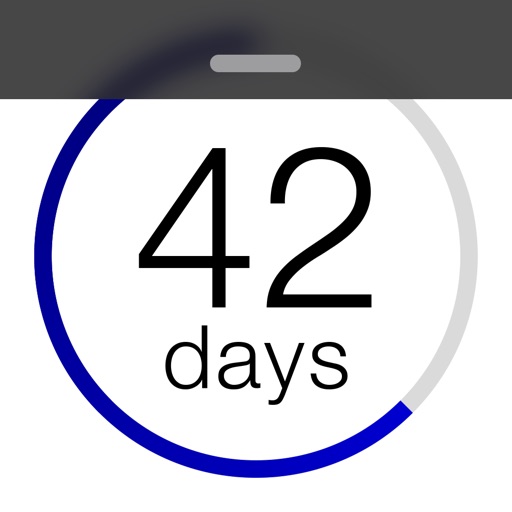
Displays countdowns and countups on the lock screen with a clean design. Tracks events in the future or past with a progress bar that fills as the event approaches. Shows a checkmark when the event arrives.
Create and save to-do lists with text input. Add widgets to home screen in various sizes. Support dark mode for customization. Enable quick access to tasks from the home interface.