Create collages using free layouts and grids. Add stickers, text, and backgrounds. Edit photos with cropping, flipping, and layering. Save and share finished collages or stories. Generate wallpapers from edited images.
The app offers over 1000 effects, including AI art styles, background replacement, and makeover options. Users can create unique photo montages and collages with a built-in editor and share their creations.
Create collages by selecting images from the library. Automatically generate and arrange layouts without manual cropping or resizing. Shuffle image order as needed before finalizing the .
Create freestyle collages with customizable layouts and postcard templates. Edit with advanced tools, apply multiple effects, and use beauty editing for men and women. Add stickers, labels, and export high-resolution images.
Create collages by arranging photos, stickers, and text. Use dozens of templates and customize layouts. Add text with cool fonts and apply filters. Export and share finished collages.
Create collages with 64 layouts and custom difference templates. Add photo frames, stickers, captions, and text with font options. Edit backgrounds and export finished collages.
Edit photos with filters, contrast, brightness, and color adjustments. Add text, stickers, and drawing tools. Customize images and landscapes. Export in high quality. Access a free image library. Apply advanced editing features.
Create collages by combining multiple photos into layouts. Choose from 50+ grid styles and tree or 3D modes. Edit photos with cropping, filters, and text addition. Share finished collages directly.
Create memes by adding captions to photos and videos. Use personal images or access a large collection. Make collages with layout tools and apply filters. Add inspirational quotes or comments to share stories and ideas.
Create layered collages by combining images with one click. Add special effects to draw or erase . Apply filters and frames to enhance visuals. Share finished blends directly to Instagram.
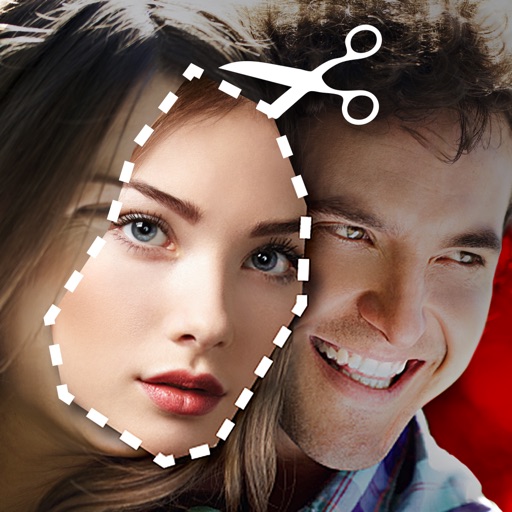
Cut photos with AI to remove backgrounds and isolate subjects. them onto new backgrounds or other images. Swap faces between photos and add missing people to family shots. Create collages by combining multiple images.
Create Instagram feeds and stories with customizable templates. Adjust layouts, add text, and apply filters. Export posts and stories directly. Sync with Instagram for seamless sharing.
Create collages by selecting photos and arranging them in customizable layouts. Choose from 200+ frames and templates. Adjust colors, borders, and backgrounds. Edit photos with crop and enhancement tools.
Create collages by combining multiple photos with customizable grids and stickers. Edit images with filters, cropping, and adjustments. Compress videos for easier sharing. Automatically organize photos and videos into folders.
Selective coloring allows users to add to specific image areas against a monochrome background. Recolor tools enable adjustments to hair and eye colors. Users can apply advanced editing options to enhance and customize their photos.
The app offers professional editing tools, beauty enhancements, and special effects. Users can apply stickers, create classic collages, and design fashionable posters with InstaMag.